
How to Reduce WordPress Autoloaded Options Safely
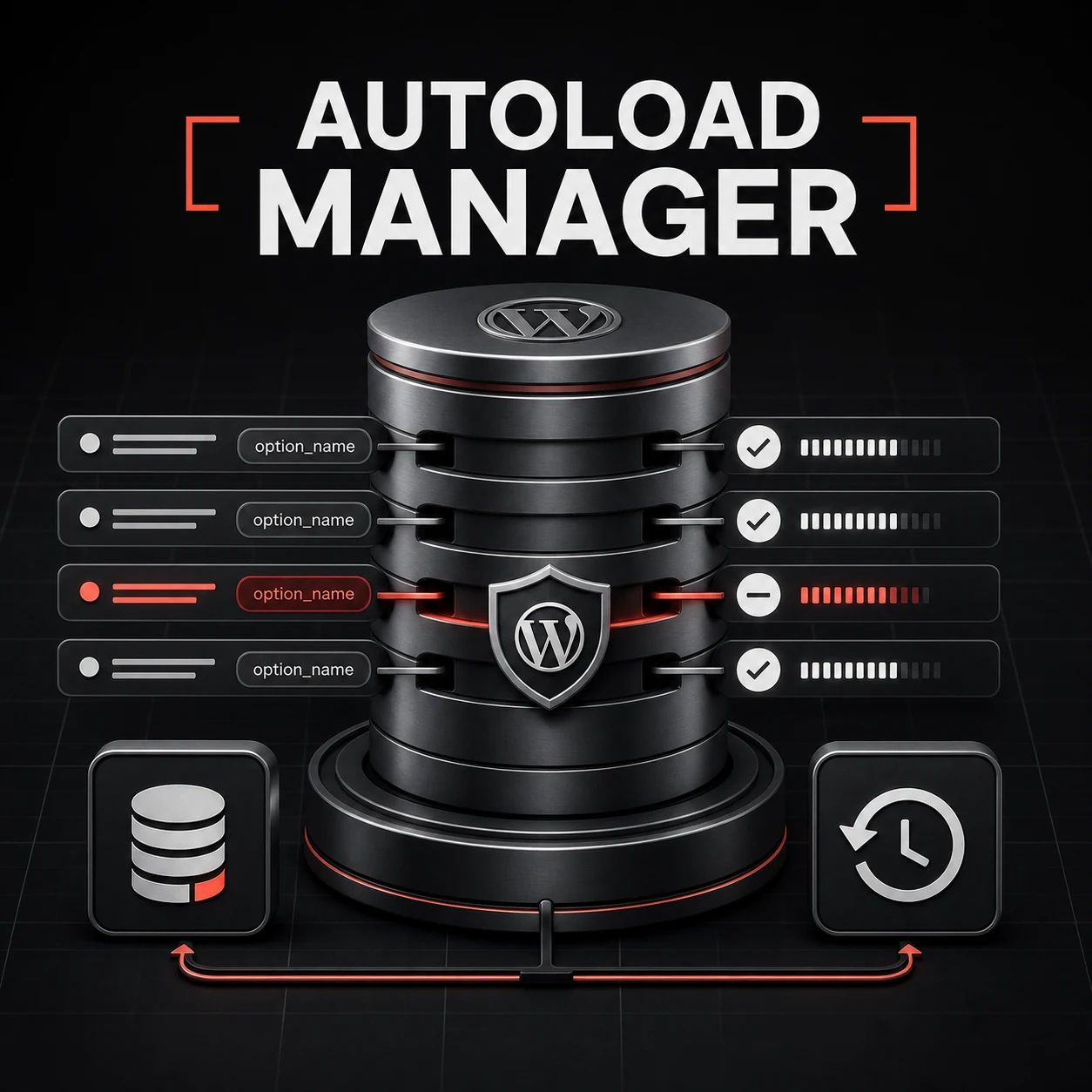
WordPress loads autoloaded options into memory before most requests can do useful work. A small, intentional autoload set is efficient. A bloated set filled with abandoned plugin settings, oversized caches, and historical data adds work to frontend, admin, REST, AJAX, and cron requests.
The dangerous response is to sort the options table by size and delete the first unfamiliar row. Autoloaded Options Manager is built around a safer sequence: measure, identify ownership, collect usage evidence, snapshot, change one behavior, and keep rollback available.
What changing autoload actually does
Turning autoload off does not delete an option. Code can still retrieve it with get_option(); WordPress simply loads it on demand instead of placing it in the all-options cache on every request. This distinction makes offloading a useful first intervention when an option is necessary but rarely used.
Measure bytes, not row count
Ten tiny options can matter less than one serialized value containing megabytes of stale data. Start with the real MySQL byte size of each value and the total autoload footprint. Use the largest entries as an investigation queue, not an automatic action list.
Identify ownership and runtime use
- Match option names to WordPress core, active plugins, inactive plugins, and the current theme.
- Inspect plugin and theme code for calls to the option.
- Track runtime access during representative frontend and admin activity.
- Treat unknown ownership as a reason for caution, not deletion.
- Protect critical options such as URLs, active plugins, cron data, salts, widgets, and transients.
The safe optimization workflow
- Create a snapshot before changing any flags.
- Run the Safety Analyzer during normal site activity.
- Start with entries classified as safe and owned by inactive or removed software.
- Toggle autoload off before considering deletion.
- Clear the relevant per-option, alloptions, and notoptions caches.
- Test frontend, wp-admin, REST, scheduled tasks, and critical forms.
- Review the activity log and restore the snapshot if behavior changes.
Persistent object caches change the risk
Redis or Memcached can retain the old all-options payload after a database change. A tool that updates only the database may leave the site reading stale state. Autoloaded Options Manager invalidates the individual option and the related WordPress option caches so the new behavior takes effect consistently.
Monitoring prevents the problem from returning
Autoload bloat is rarely a one-time event. Plugin updates, imports, transients, and experiments can add new large values. Scheduled scans should alert when the footprint crosses a chosen threshold, but they should not silently change production data. Human review remains the correct gate.
Install Autoloaded Options Manager
- Download the ZIP from the plugin page.
- Activate it and open Tools > Autoloaded Options.
- Review the health summary and largest values.
- Run the Safety Analyzer before acting on unfamiliar entries.
- Use snapshots and small batches for every production change.
Measure autoload cost in bytes and request impact
The number of autoloaded rows is less useful than their combined size and how often they change. A few large serialized options can cost more than hundreds of small values. Record total autoload bytes, the largest rows, their owning plugin or theme, and whether object caching is active before making changes.
Classify each large option
- Needed on most requests: keep autoloaded unless the owner documents another approach.
- Needed only in admin or scheduled jobs: a candidate for non-autoloaded storage after code review.
- Transient, cache, or orphaned data: investigate the owner and regeneration path before removal.
- Unknown serialized data: do not edit by hand; identify its schema and backup first.
Change one owner at a time
Take a database backup, stage the change, and verify front-end, wp-admin, cron, REST API, login, checkout, and cache-warm requests. Compare query counts and response times against the baseline. If an option is repeatedly fetched after autoload is disabled, the change may simply trade memory for extra database queries.
Never delete an option because its name looks obsolete. Plugin uninstallers, migrations, licences, and background queues often use data that is not visible during a quick page load.
Optimize Autoloaded Options Safely
Need help identifying large, orphaned, or unnecessary autoloaded options without damaging plugin settings or critical workflows? Contact WPStack for an evidence-based WordPress performance review covering option ownership, request impact, cache behaviour, safe offloading, testing, and rollback.
Related reading
Explore Autoloaded Options Manager, learn how to diagnose slow requests and queries, and use the production-readiness guide when evaluating performance tooling.
Frequently asked questions
There is no universal number that describes every site. The useful comparison is the site’s own footprint, request memory, cache behavior, and growth over time. Investigate large values and sudden increases instead of treating one threshold as a deletion command.
A safe verdict means the available evidence did not show a reason to autoload it; it does not automatically prove the value can be deleted. Toggle autoload off first, test the owning workflow, and only consider deletion when ownership and lifecycle are clear.
A persistent object cache may still contain the old all-options payload or a per-option value. Correct invalidation must cover the individual option, alloptions, and notoptions caches. Purging only the page cache is not sufficient.
Watch the total autoload footprint, PHP memory, uncached request time, error logs, cron execution, REST behavior, and the workflows owned by affected plugins. Keep the snapshot until the site has passed its normal operating cycle.

Aditya Bhimrajka is a technology entrepreneur, product strategist, and software solutions expert with over a decade of experience building scalable web and mobile applications. His expertise spans SaaS, AI, cloud technologies, custom software development, and digital transformation. Passionate about solving real-world business challenges through technology, Aditya shares practical insights on WordPress, plugins, software development, startup growth, product strategy, and emerging technologies. At WPStack, he writes actionable, experience-driven content that helps developers, businesses, and website owners build secure, high-performing, and future-ready WordPress solutions.
Diagnose Slow WordPress Requests | WPStack TOP
July 29, 2026 at 9:26 am
“ […] WPStack TOP Load Monitor for request-level evidence, review autoloaded option optimization, and follow the maintenance checklist after each […] “