
The Complete WordPress Media Library Audit Checklist
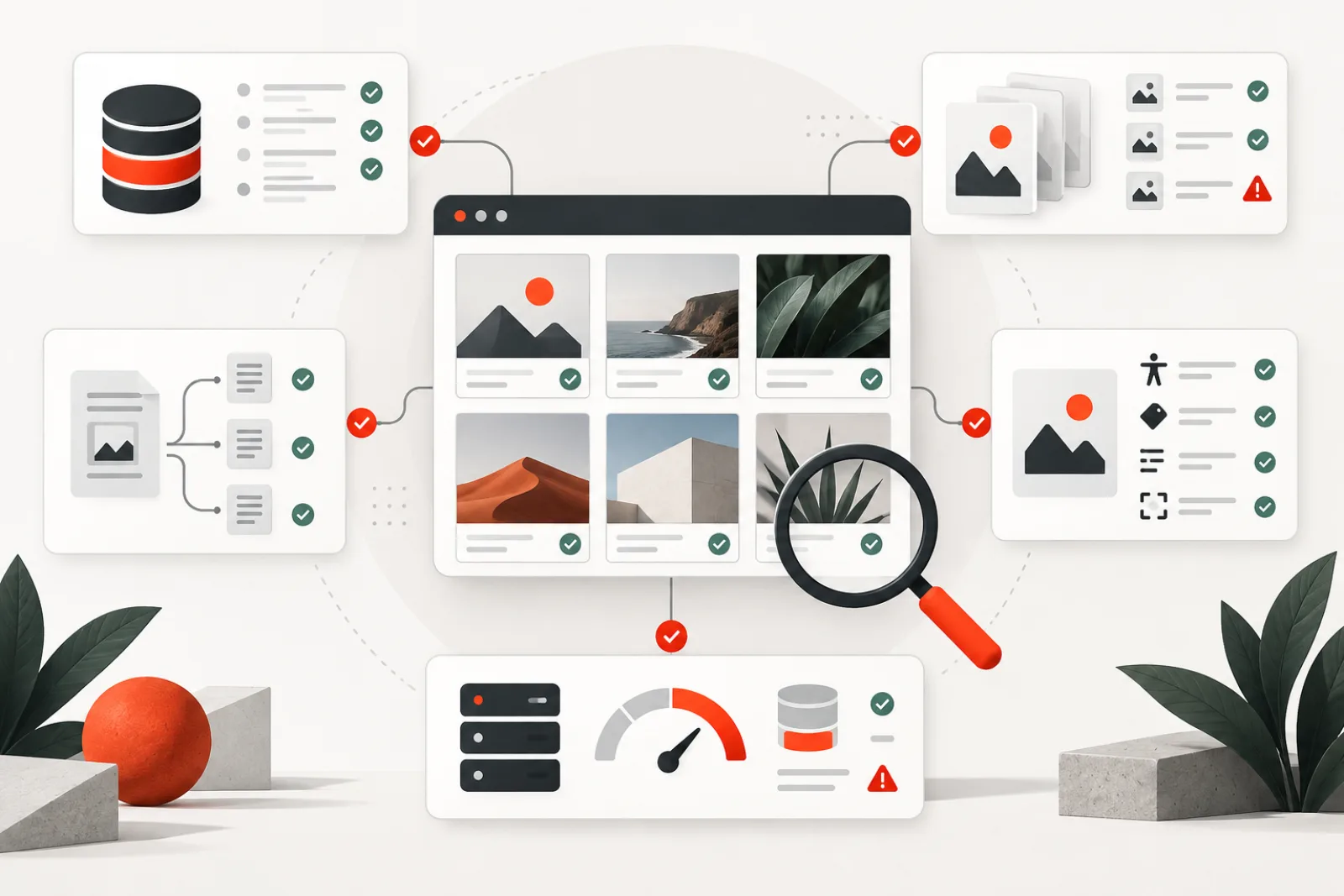
A useful WordPress Media Library audit measures more than storage. It should reconcile attachment records with physical files, identify where assets are referenced, review accessibility and SEO metadata, expose delivery and performance problems, and create a safe action queue. “Unattached” is not the same as “unused,” and “unused” is not automatically “safe to delete.”
Define the audit outcome before scanning
Choose a business objective: reduce backup size, repair broken images, prepare a migration, improve accessibility, control licensing risk or clean duplicate assets. The goal changes what matters. A storage audit prioritizes bytes and derivatives; an accessibility audit prioritizes image purpose and text alternatives; a migration audit prioritizes path integrity and external storage.
| Audit layer | Question | Evidence to retain |
|---|---|---|
| Inventory | Which attachment records and files exist? | ID, MIME type, path, size, dates |
| Integrity | Do originals and generated sizes match metadata? | Missing files, orphan files, dimensions |
| Usage | Where is each asset referenced? | Parent, content, blocks, meta, options, templates |
| Quality | Is the asset suitable and accessible? | Purpose, alt decision, filename, caption |
| Delivery | Is the right format and size served reliably? | Status, bytes, srcset, CDN/origin |
| Governance | Can changes be reviewed and recovered? | Owner, decision, backup, verification |
Phase 1: record a baseline
Before changing anything, capture the site URL, environment, WordPress version, active theme, media/offload plugins, uploads location, CDN host, date and audit scope. Record attachment count, uploads directory size and backup size using the same method you will use later. Numbers from different tools may include thumbnails, originals, remote objects or trash differently; document the definition.
Export an attachment inventory with ID, title, upload date, author, parent, MIME type, original path, URL, width, height, recorded file size, generated sizes and alt field. Treat the export as audit evidence, not a deletion list.
Phase 2: reconcile database and filesystem
- Record without original: confirm storage offload before labeling it missing.
- Original without record: identify backups, hand-uploaded theme assets and abandoned files before importing or removing.
- Metadata without derivative: determine whether the registered size is still required, then regenerate selectively.
- Derivative without metadata: it may be stale, custom-generated or referenced by cached markup.
- Path or case mismatch: test on the production filesystem because case sensitivity may differ from development.
WordPress attachment metadata normally includes the relative original path, dimensions and a map of sub-sizes. It does not by itself verify disk existence or remote storage. Sample high-value content and every unusual storage class before choosing remediation.
Phase 3: map usage with multiple signals
A Media Library “Unattached” filter only reflects the attachment’s post_parent. Images can still be used by block markup, gallery shortcodes, featured-image meta, custom fields, WooCommerce data, widgets, theme settings, reusable patterns, CSS, templates or external systems. Conversely, an attachment can have a parent but no longer be rendered.
Use several signals and preserve where each match came from. For filename matches, distinguish the original from generated-size names. For numeric IDs, avoid treating every matching number as an attachment reference. Manually inspect ambiguous candidates on rendered pages and in the responsible plugin or theme.
Phase 4: audit accessibility and editorial purpose
Review images in page context. Informative images need a concise text alternative that communicates their purpose. Decorative images generally need an empty alt attribute so assistive technology can skip them. Functional images used as links or buttons need text describing the action or destination. Complex charts may require a short alt plus an adjacent detailed explanation.
Do not measure success as “100% of attachments have non-empty alt text.” WordPress stores a default attachment alt value, but the correct alternative can depend on how the image is used on a particular page. Also flag misleading captions, obsolete screenshots, embedded personal data and assets without clear licensing provenance.
Phase 5: inspect performance and delivery
- Find large originals and assets delivered much wider than rendered.
- Confirm
srcsetandsizesoffer appropriate responsive candidates. - Check that the extension and response
Content-Typeagree. - Identify repeated downloads caused by inconsistent image URLs.
- Test origin and CDN for failures, redirects and stale objects.
- Reserve width and height to reduce layout movement.
- Review lazy loading by position; the likely largest-content image should not be delayed blindly.
Do not convert every asset just to claim a modern format. Preserve transparency, animation, color quality and compatibility requirements. Compare visual quality and actual transfer bytes on representative devices.
Phase 6: classify findings into actions
| Class | Action | Safety rule |
|---|---|---|
| Broken reference | Repair URL, file, metadata or delivery | Verify page and responsive variants |
| Exact duplicate | Choose canonical attachment and replace references | Hash proves bytes, not business ownership |
| Visual duplicate | Editorial review | Crops and licensed variants may be intentional |
| Uncertain usage | Quarantine or retain | Absence of evidence is not evidence of absence |
| Safe candidate | Back up, dry-run, remove small batch | Recheck references immediately before deletion |
Worked example: a 40 GB uploads directory
An agency expects old hero images to dominate storage. The inventory instead shows that most bytes come from a video set and many historical image derivatives. Reference scanning finds several “unattached” product images still used by custom fields. Exact hashes reveal duplicate imports, while visual matching groups intentionally different campaign crops. The team first repairs two missing originals, consolidates proven exact duplicates, retains campaign crops, and removes a small reviewed batch with backups. The result is smaller than a blind cleanup promise, but no product pages break.
How Mediachecker supports the audit
Mediachecker combines parent, post-meta, gallery, block and filename signals; groups exact filename or content-hash duplicates; offers visual similarity analysis; and exports CSV results. Scheduled scans and threshold alerts can make the audit repeatable. For approved cleanup, it provides recent-upload protection, dry runs, delete-time re-verification, metadata/file backups and activity logging.
Its boundary matters: custom tables, runtime-generated URLs, remote DAM systems, private application logic and unusual theme code may fall outside any automated scan. Treat a result as a reason to inspect, not a deletion verdict. The human reviewer remains responsible for licensing, editorial intent and recovery.
Definition of done
- Baseline and scope are documented.
- High-value templates and storage systems were sampled.
- Every finding has evidence, risk, owner and proposed action.
- Ambiguous assets are separated from approved changes.
- Backups cover both files and attachment metadata.
- A small batch was restored in a test to prove recoverability.
- Post-change crawl, visual checks and storage measurements are complete.
- The next recurring audit and comparison method are scheduled.
Build a complete attachment inventory
Include attachment ID, status, author, upload date, parent, MIME type, original relative path, public URL, dimensions, original bytes, generated-size map, alternative text, caption and file hash. Add offload state, object key, CDN URL, licensing owner and last reference scan when available.
Keep raw exports protected. Filenames, metadata and captions can contain personal or confidential information. Reports for editors can show safe summaries while administrators retain recovery details.
Measure physical storage accurately
Separate originals, WordPress-generated sizes, plugin-generated variants, modern-format copies, videos, private documents, backups and remote object versions. Do not add database-reported file sizes and directory totals without reconciling overlap. State whether trash and historical versions are included.
Rank recoverable bytes, not just attachment count. A few abandoned videos may dominate storage while thousands of icons contribute little. CDN cache size is not automatically origin storage saving.
Create a reference coverage map
| Source | Reference form | Audit method |
|---|---|---|
| Post and block content | ID, URL, block attribute or shortcode | Structured parse plus rendered sampling |
| Featured images and metadata | Attachment IDs | Meta query with template verification |
| Page builders and custom fields | Serialized or JSON IDs and URLs | Owner-aware extraction |
| Theme and site options | Logo, icon, background and template data | Configuration export and front-end check |
| Commerce and multilingual data | Variation galleries, feeds and translated records | Business-flow and locale tests |
| External systems | Absolute CDN or origin URLs | Documented integration inventory and access logs |
Record which sources the scanner cannot inspect. “No references found” is meaningful only beside coverage. Treat unsupported custom tables and headless clients as unresolved until their owner checks them.
Assess duplicate groups by confidence
Use a strong content hash for byte-identical files. Filename, dimensions and upload date are filters, not proof. Perceptual similarity can group crops and recompressed variants for human review, but licensing, focal point and intended layout may justify both.
Choose a canonical attachment using original quality, rights, metadata, stable references and editorial ownership. Replace references before deletion, re-scan immediately before action and verify responsive pages. Keep decisions so accepted variants do not return to every audit.
Audit accessibility in rendered context
Classify images as decorative, informative, functional or complex on the page where they appear. Decorative images need an empty alternative; functional images need the action or destination; complex graphics need a concise summary and detailed equivalent. A non-empty Media Library field is not a quality score.
Test templates with keyboard and assistive technology. Builders may copy attachment metadata, and one image can have different roles across pages. Fix shared rendering defects before editing hundreds of records.
Audit image SEO without keyword stuffing
Review descriptive filenames where replacement is safe, captions and surrounding copy, canonical image URLs, image sitemap inclusion, structured-data image properties and social previews. Confirm search engines can fetch the preferred URLs and that duplicates do not compete across origin and CDN hosts.
Keep accessibility purpose primary in alt text. Use redirects only for old media URLs with known value or migration need. Do not create speculative redirect rules that hide broken source references.
Find delivery waste that cleanup will not solve
Compare intrinsic and rendered dimensions, transfer bytes, format, compression, responsive candidates and cache behavior. A library can contain no unused attachments while still serving 3000-pixel originals into 400-pixel cards. Identify the template and image-size owner.
Review the likely LCP image separately: give it explicit dimensions, avoid inappropriate lazy loading and verify preload only when the browser actually needs it. Below-the-fold assets can load lazily. Measure on representative mobile devices.
Review licensing, privacy and retention
Flag assets without known source, permission or expiry; photographs of people without required consent; documents containing personal data; and media under legal hold. Storage optimization does not override rights or records policy. Route findings to accountable owners.
Strip unnecessary metadata on new public assets, but preserve legally required attribution and master files in an appropriate repository. A public Media Library is not a digital-asset management system by default.
Create separate remediation queues
Use queues for broken delivery, missing originals, exact duplicates, visual-review groups, oversized delivery, accessibility, SEO metadata, rights, uncertain usage and approved deletion. Give each finding severity, evidence, owner, action and due date. Do not mix ambiguous investigation with automatic cleanup.
Prioritize customer-facing failures and legal risk before storage savings. Fix workflow sources—imports, templates, upload policy and plugin behavior—so the same defects do not recur.
Automate evidence, not irreversible judgment
Schedule inventory, hash calculation, reference checks, broken-URL probes and threshold reports. Protect scans with bounded batches, cursors and resource budgets. Allow automated quarantine or alerts only when rollback and owner are clear.
Permanent deletion should require reviewed scope, protected backup, dry run, recent-upload exclusion and delete-time reference recheck. Stop when data changes or a new reference appears.
Worked case: unattached product images
A scanner marks 600 images unattached because WooCommerce variations store them in metadata while post_parent remains empty. A parent-only cleanup would break the catalog. Multi-signal reference checks identify active products and feed exports.
The team fixes its audit definition, keeps active variation media and reviews only genuinely orphaned imports. The Media Library label was accurate about parentage but insufficient for usage.
Worked case: storage grows after cleanup
An agency removes reviewed duplicate attachments and expects a large reduction. Object storage remains nearly unchanged because versioning retains deleted objects and an optimization service regenerates formats. The cleanup result and retention model were measuring different layers.
The team reconciles current objects, historical versions and backup policy, then reports reclaimable bytes by lifecycle date. It preserves required rollback while setting explicit expiration for old versions.
Run a safe action batch
- Freeze candidate IDs, paths, hashes, references and reason codes.
- Back up records, metadata, originals and derivatives; test one restore.
- Apply reference or metadata repairs on staging first.
- Render affected templates and crawl responsive URLs.
- Recheck references and recent changes immediately before deletion.
- Use WordPress deletion APIs in a small reviewed batch.
- Monitor origin/CDN errors, support reports and business flows through cache expiry.
Publish a useful audit report
Show scope, definitions, attachment and storage baseline, integrity failures, reference coverage, quality findings, delivery waste, rights issues, proposed actions, exclusions and confidence. Separate identified bytes from approved recoverable bytes. Include methods and timestamps so the next audit is comparable.
Close with named owners and dates. Keep raw sensitive evidence restricted, and provide editors a prioritized action view. A report without accountable remediation becomes an expensive inventory.
Maintain the result
Run light automated checks weekly or monthly according to upload volume, then perform a deeper manual audit after migrations, redesigns, offload changes and major content imports. Compare with the same baseline method. Review accepted exceptions and remove stale ones.
Add upload naming, licensing, alternative-text classification and reuse guidance to editorial training. Test new templates for responsive delivery and reference discoverability. The best audit reduces future audit effort.
Define confidence levels for every finding
An audit becomes safer when it separates confirmed facts from inferences. Mark a finding high confidence only when the relevant storage, metadata and reference sources were all checked. A medium-confidence result may have strong database evidence but no access to a remote client. A low-confidence result might depend on a filename match or an unsupported custom table. Confidence should control the action: high-confidence broken files can enter repair, while low-confidence unused candidates remain in review.
Publish the coverage limits beside the totals. If the scan covers posts and standard metadata but excludes a builder, headless application or private bucket, say so plainly. A smaller honest number is more useful than a comprehensive-looking total built on silent blind spots.
Calculate remediation value, not just defect volume
Prioritize findings using impact, exposure, effort and reversibility. A broken checkout image or unlicensed campaign photograph outranks hundreds of harmless historical thumbnails. An oversized hero that loads on every visit may deserve attention before a large original that is never delivered. Estimate affected page views, bytes transferred, revenue path, accessibility severity and storage recovery rather than sorting only by attachment count.
Keep performance savings measurable. Record current transfer bytes and rendered dimensions, implement the template or derivative change, and measure the same pages again under comparable conditions. Do not claim the full original file size as a page-speed saving if the browser was already choosing a smaller responsive candidate.
Handle multisite, multilingual and headless installations
In multisite, inventory each site’s upload paths, attachment tables, domain mapping and shared storage assumptions. Identical filenames on two sites are not automatically duplicates. In multilingual systems, confirm whether translations share attachment IDs, clone records or store localized captions and alt decisions. A consolidation that ignores language ownership can remove the only editable record for one locale.
Headless sites require reference evidence from every consuming application. Search the content API representation, front-end repository, transformation service and deployed HTML where available. An attachment absent from rendered WordPress themes may still be essential to a mobile app, email service or partner feed.
Use quarantine when deletion confidence is incomplete
Quarantine is a reversible holding state, not a renamed trash folder with no recovery plan. Define which files and records move, how URLs behave, who can restore them and when retention expires. Keep the mapping between original and quarantine locations. Test restoration of an attachment record, its metadata, original and generated sizes before using the process at scale.
Monitor requests for quarantined URLs during the observation period. A request is evidence to investigate, though bots and copied external links need interpretation. If an active page or business system requests an asset, restore it promptly and update the audit’s coverage model so similar references are found next time.
Review operational side effects before bulk work
Large scans can saturate database, filesystem, object storage or image-processing resources. Run bounded batches with checkpoints, pause controls and retry limits. Schedule intensive hash or similarity work away from peak traffic, and monitor CPU, memory, database latency, object-store requests and job backlog. Read-only scanning should remain read-only; it should not silently regenerate metadata or fetch and persist remote files.
Bulk reference replacement can trigger revisions, cache invalidation, search indexing, webhooks or backups. Identify those side effects before the action window. If possible, repair one representative item and observe the complete workflow before approving a batch.
Create an evidence package for every completed batch
For each approved batch, retain candidate IDs, paths, hashes, reference sources, before-and-after values, operator, timestamp, backup location and verification results. Note exclusions and failed items. This package supports rollback, explains storage changes and prevents the same assets from being debated in the next audit.
Verification should include database reconciliation, storage checks, representative rendered pages, responsive candidates, CDN and origin responses, accessibility review where relevant, and a restore test for destructive work. Close a batch only when the measured result matches the intended outcome and any residual risk has an owner.
Use the same definitions in executive summaries and technical appendices. If “duplicate,” “unused,” “broken” or “recoverable bytes” changes meaning between reports, trends become misleading. Preserve the query or scan version so a future result can be compared honestly.
Ask an editor and an operator to review the final sample together. The editor can identify purposeful variants and obsolete content, while the operator can confirm storage, delivery and recovery behavior. Neither perspective alone is a safe basis for irreversible cleanup.
Related WPStack guides
Frequently asked questions
Does “unattached” mean an image is unused?
No. It only means the attachment lacks a parent relationship. Blocks, custom fields, options, templates or external systems may still reference it.
Should generated thumbnails be counted as duplicates?
No. They are expected derivatives of an original. Audit them as size variants, not independent editorial assets.
Can an audit safely delete media automatically?
A scan can automate evidence collection. Permanent deletion should remain a reviewed, backed-up, small-batch action with a final reference check.
How often should a Media Library be audited?
Match frequency to upload volume and change risk. A busy editorial or commerce site may benefit from weekly reports; a stable brochure site may need quarterly review.
What metric proves the audit worked?
Use several: broken-image count, recoverable storage reduction, oversized delivery rate, accessibility findings resolved and successful restore tests. Attachment count alone is weak.
References
- WordPress: wp_get_attachment_metadata()
- WordPress responsive images
- WordPress: wp_delete_attachment()
- W3C WAI alt decision tree

Aditya Bhimrajka is a technology entrepreneur, product strategist, and software solutions expert with over a decade of experience building scalable web and mobile applications. His expertise spans SaaS, AI, cloud technologies, custom software development, and digital transformation. Passionate about solving real-world business challenges through technology, Aditya shares practical insights on WordPress, plugins, software development, startup growth, product strategy, and emerging technologies. At WPStack, he writes actionable, experience-driven content that helps developers, businesses, and website owners build secure, high-performing, and future-ready WordPress solutions.