
WordPress Media Cleanup: Build a Backup and Restore Plan Before Deleting
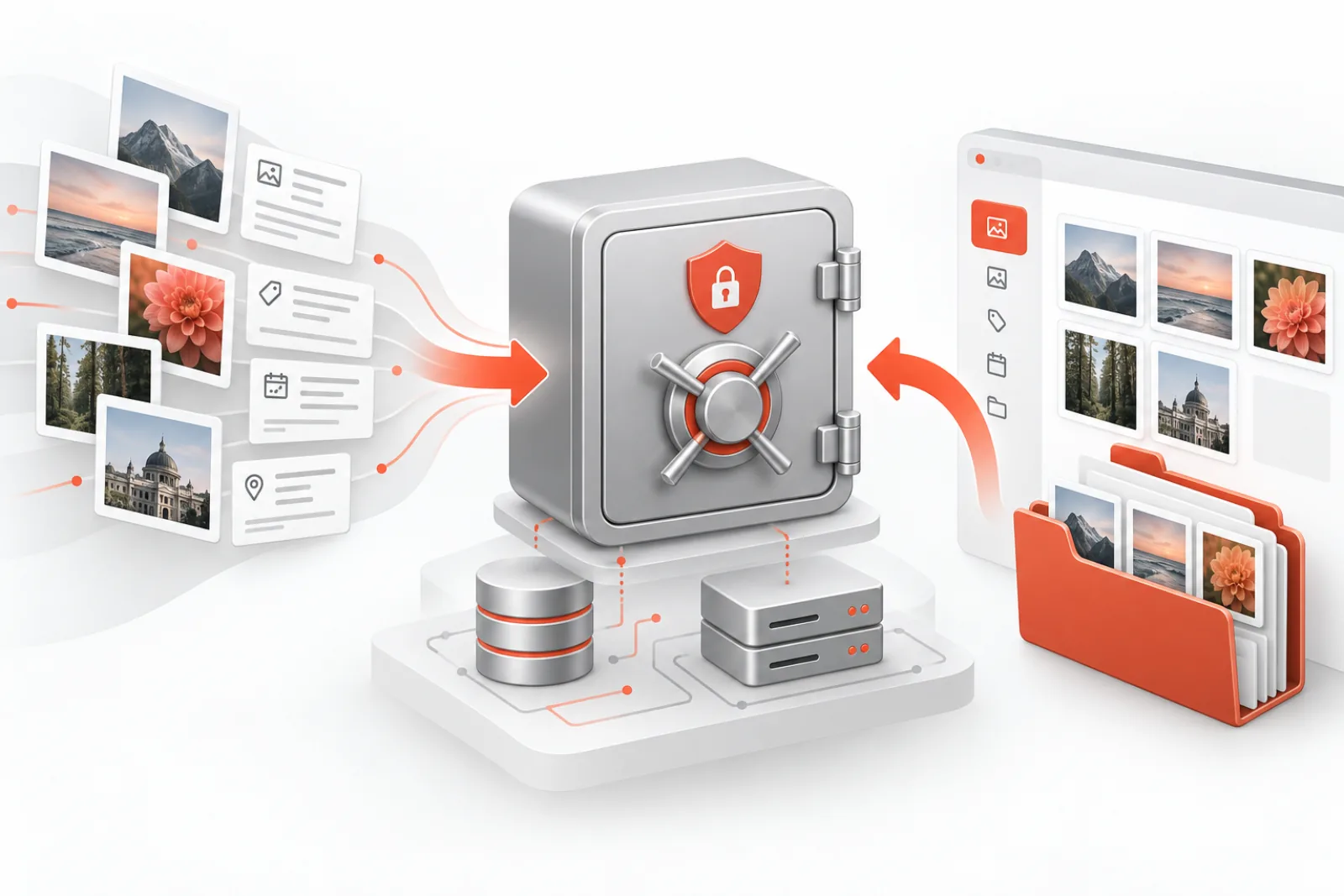
A media cleanup is safe only when restoration has been designed and tested before deletion. A hosting backup may be useful, but it is not automatically a precise media rollback. WordPress images span database records, attachment metadata, original files, generated sizes, references in content and copies held by a CDN.
This runbook creates a recoverable cleanup window for unused or duplicate media without turning every mistake into a full-site restore.
What a complete media backup must contain
| Layer | Minimum evidence | Why it matters |
|---|---|---|
| Attachment record | ID, title, status, dates, parent, author, MIME type | Recreates the Media Library object |
| Attachment metadata | Original dimensions, file path, generated sizes, image metadata | Connects responsive variants to the original |
| Files | Original plus every generated derivative | Prevents a restored record from pointing to missing bytes |
| References | Post IDs, fields, templates and URLs using the asset | Defines impact and verification scope |
| Operational log | Who, when, why, action and outcome | Makes rollback accountable and repeatable |
Store the backup outside the public uploads path or protect it from web access. A ZIP inside a predictable public directory can expose unpublished assets and documents. Restrict access, use unpredictable names, set retention and verify that backup downloads require authorization.
Define the cleanup batch
Do not mix thousands of attachments into one irreversible change. Create small batches by month, content type, campaign or confidence level. Exclude recent uploads, legal records, invoices, private documents, brand masters and anything owned by an active migration.
For each item, record a reason code such as exact duplicate, confirmed orphan, superseded campaign asset or invalid derivative. A reason makes later review far more useful than a list of numeric IDs.
Test the restore before you need it
- Clone a representative staging environment.
- Select an attachment with multiple sizes and at least two kinds of reference.
- Create the backup package and checksum it.
- Delete through the same workflow planned for production.
- Restore the file and attachment data.
- Regenerate metadata only if the recorded sizes cannot be recovered.
- Verify original and responsive URLs, the Media Library screen and every known page reference.
A restore that creates a new attachment ID can still leave ID-based blocks, galleries, featured images and custom fields broken. The runbook must state whether it preserves the original ID, rewrites references, or restores the entire database to a point in time.
Choose the right rollback level
- Single attachment: best for a small mistaken deletion when its files and metadata were captured.
- Batch rollback: restore all items from one cleanup job and reverse its reference changes.
- Full site restore: last resort when scope is unknown or structural data was damaged.
Full restores can overwrite valid orders, form submissions and editorial changes created after the backup. On active sites, prefer targeted recovery when evidence is complete.
Production cleanup procedure
Schedule a low-change window, confirm the latest backups, pause conflicting import jobs and run a dry preview. Recheck every candidate immediately before deletion because content can change after a scan. Delete through WordPress APIs so attachment metadata and derivatives are handled consistently. Keep batch sizes small enough that a reviewer can inspect the output.
After each batch, clear only relevant caches and crawl the affected URL set. Check page-builder templates, product galleries, mobile srcset choices, social sharing images, feeds and structured data. Watch web-server and CDN 404s during the observation period.
Write a restoration decision tree
When a problem is reported, first determine whether the attachment record exists, the original file exists, generated sizes exist and the page still points to the expected ID or URL. If only a derivative is missing, regenerate that size from a verified original. If the record and files were deleted but the backup is complete, restore the original record where possible. If references were rewritten during consolidation, reverse those changes from the batch manifest.
Escalate to a full-site restore only when the affected scope cannot be reconstructed safely. Before doing so, export new orders, submissions and editorial changes created since the recovery point. A media rollback should not silently destroy unrelated production data.
Prove backup integrity
A successful ZIP creation message is not proof. Record file count, uncompressed bytes and a checksum for the archive; sample files by opening them; parse the metadata export; and run a scheduled restore drill. For offloaded media, confirm that the archive contains actual objects or that provider versioning and credentials can retrieve them.
Encrypt archives that contain private or unpublished media, limit access to named operators and log downloads. When the retention period ends, delete the backup through the approved storage lifecycle and document the deletion. Recovery and privacy requirements must be balanced explicitly.
Example batch manifest
A useful manifest is readable without the cleanup plugin. For every attachment, include original ID, relative file path, public URL, checksum, MIME type, byte size, attachment metadata, discovered references, reason code, proposed action and reviewer. At batch level, include site URL, environment, WordPress version, start and finish time, backup location, archive checksum and the operator.
After the job, append the actual result rather than overwriting the proposal. A “skipped because a new reference appeared” result is evidence that the delete-time safety check worked.
Recovery drill acceptance criteria
- The archive can be retrieved by an authorized operator without using the production WordPress dashboard.
- Its checksum matches the manifest and every sampled file opens.
- The attachment returns with expected ID or every ID-based reference is deliberately rewritten.
- Original, thumbnail and responsive URLs return valid images.
- Featured images, galleries, page-builder content and CDN delivery pass checks.
- The drill records elapsed recovery time and any manual step not yet documented.
Set recovery objectives for media, not just the whole site
A recovery time objective states how quickly service should return. A recovery point objective states how much recent change the organization can lose. Media cleanup needs both. A brochure site may accept a four-hour restoration window and one day of lost uploads; a news operation, membership site or active store may not. Write the objectives before choosing backup frequency, storage and procedure.
Media-specific recovery can be faster than restoring the whole website. If a cleanup manifest preserves the affected attachment records, files and reference changes, an operator can reverse one batch without replacing newer orders, comments or posts. The recovery design should therefore distinguish a missing derivative, a deleted attachment, a corrupted batch and a site-wide storage failure.
| Failure | Smallest safe recovery | Evidence required |
|---|---|---|
| One generated thumbnail missing | Regenerate that registered size from the verified original | Original checksum, attachment metadata and current size configuration |
| One attachment deleted | Restore its record, metadata and files or rewrite all known references to a replacement | Original ID, serialized metadata, paths, hashes and reference map |
| Cleanup batch caused broken pages | Reverse the batch’s reference changes and restore its deleted objects | Immutable batch manifest and before values |
| Uploads storage unavailable | Fail over or restore the media store according to provider design | Current object inventory, credentials, versioning and infrastructure runbook |
| Database and files diverged broadly | Coordinated point-in-time recovery | Matched database and file recovery points plus a plan for newer transactions |
Keep database and file backups consistent
A database dump taken at noon and an uploads archive taken at midnight do not describe one coherent site. Attachments added or deleted between those times can produce records without files or files without records. For a small planned cleanup, capture the batch records and files immediately before the change. For system-wide protection, use a backup product or snapshot process that minimizes and documents the consistency gap.
Record timestamps in UTC, the WordPress site URL, database identifier and uploads location. If the database remains writable during backup, note the consequences. High-change sites may need transactional database snapshots and storage versioning rather than a long-running ZIP assembled from a moving directory.
After capture, compare the manifest to the archive. Every attachment should have its recorded original; every listed derivative should either exist or have an explained absence. A checksum detects corruption or substitution but does not prove completeness, which is why counts, paths and metadata must also be reconciled.
Design storage using the 3-2-1 principle
Keep at least three copies of important data, on two different storage types or failure domains, with one copy off-site. A hosting snapshot and a ZIP on the same server can disappear together through account suspension, disk failure, ransomware or operator error. For cleanup, the working archive may live in protected short-term storage, but an independent site backup should remain outside the origin environment.
Encrypt sensitive archives both in transit and at rest. Store encryption keys and recovery credentials somewhere accessible during an incident but separate from the protected data. Restrict deletion rights so the same compromised account cannot erase production media and every backup generation. Enable object versioning or immutability where the risk justifies it, and test how retention interacts with privacy deletion requirements.
Plan for remote object storage and CDNs
An offload plugin changes what “backup uploads” means. The local filesystem may contain placeholders, partial caches or nothing at all, while original objects live in S3-compatible storage. Record the bucket, region, object key, version ID, storage class and encryption context. Confirm whether deleting a WordPress attachment deletes the remote object, creates a delete marker, or leaves an orphan.
A CDN is delivery infrastructure, not a dependable backup. Cached objects expire and may be transformed, resized or stripped of metadata. A successful CDN URL does not prove the origin object can be recovered. Test restore from the authoritative object store, then purge or revalidate the CDN so requests stop serving stale failures.
If an image optimization service creates variants on demand, document whether restoration requires only the original or also provider-specific derivatives. Preserve configuration for signed URLs, custom domains and rewrite rules. Recovery is incomplete if files exist but the application can no longer construct valid delivery URLs.
Use a preflight gate before every deletion batch
- The batch has an owner, reviewer, reason, maximum item count and maintenance window.
- The attachment records, metadata, originals and registered derivatives are present in the backup or explicitly accounted for.
- The archive checksum, item count and byte count match the manifest.
- An authorized operator other than the creator can retrieve and decrypt the archive.
- The restore method has passed a representative drill in the current hosting architecture.
- Recent uploads, legal holds and active migrations are excluded.
- Known references and URL variants are recorded, and delete-time rechecking is enabled.
- Monitoring, rollback authority and the end of the observation period are defined.
If any gate fails, postpone the batch. A storage-pressure emergency may justify a smaller, higher-confidence scope, but it does not make an untested backup trustworthy. Delete only what the available evidence can restore.
Worked incident: why a full-site restore was the wrong first move
A store removes 400 supposedly unused product images on Tuesday. On Wednesday, customer-service emails reveal that archived order pages reference 27 of those attachments. The nightly full backup is available, but restoring it would overwrite hundreds of new orders and inventory changes.
Because the cleanup produced a batch manifest and attachment-level archive, the operator filters the 27 affected IDs, restores their original files and metadata, and purges only their CDN URLs. The order pages recover without touching the rest of the database. The team then adds archived orders to its reference scanner and repeats the recovery drill. The important lesson is that precise evidence reduces the blast radius of restoration.
Worked drill: restore one responsive hero image
Select a hero attachment with an original, a cropped desktop size, a mobile size and WebP delivery. Record the attachment ID, metadata, hashes and two pages that use it. Back it up, delete it through the intended cleanup route on staging, and observe the failure modes. Then restore using the documented procedure.
Acceptance requires more than seeing a picture. Confirm the Media Library record, edit screen, original URL, each registered derivative, mobile browser selection, desktop crop, Open Graph image and CDN hostname. Inspect dimensions and MIME types, compare file hashes where exact recovery is expected, and ensure no new attachment ID silently replaced the old one. Time the drill from incident declaration to verified service.
Monitor the observation window
Immediately after a production batch, crawl the recorded pages and request each expected responsive image. Monitor origin and CDN 404s grouped by deleted path, broken-image reports in the browser, PHP errors from metadata handling, and support tickets. Repeat after caches expire; warm caches can conceal a missing origin file for hours or days.
Keep the batch backup until the defined window ends and a reviewer signs off. Seasonal pages, email campaigns and rarely visited account screens may require longer retention than the site’s average cache lifetime. If risk cannot be exercised during the window, retain that subset or schedule a targeted test.
Make the runbook usable under pressure
Write commands and dashboard paths as numbered actions with expected results, failure branches and stop conditions. Name roles rather than individuals: incident lead, WordPress operator, storage administrator and approver. Include where credentials are obtained, how access is audited and who may authorize a full restore. Keep a read-only copy outside WordPress so the procedure remains available when the dashboard is down.
Review the runbook after plugin changes, storage migrations, CDN changes or major WordPress upgrades. A recovery drill that passed last year may rely on a retired bucket, old encryption key or removed image size. Schedule small quarterly drills and one broader annual exercise; record defects as operational work, not as footnotes.
Quantify recovery readiness
Track successful archive creation separately from successful restoration. Useful measures include percentage of cleanup batches with verified manifests, restore-drill pass rate, median time to recover one attachment, percentage of files reconciled to metadata, number of manual undocumented steps, and age of the last off-site recovery test.
A reported backup success rate of 100 percent can coexist with zero recoverability if nobody has successfully decrypted or restored an archive. Report the restore evidence and unresolved gaps to the person approving deletion. The safest media cleanup is one whose failure has already been rehearsed.
Protect active business data during a full recovery
A full database restore rolls back much more than media. Between the recovery point and the incident, a store may receive orders, a membership site may accept renewals, and a publisher may update articles. Before replacing production, place the site in an appropriate maintenance state and export the newer records that cannot be lost. Identify tables and external systems involved; an order can span posts, order tables, payment records, stock changes and webhooks.
Prefer restoring into an isolated environment first. Compare the recovered state with current production, identify the smallest data set needed, and test the merge path. If a full cutover remains necessary, assign one leader, record the exact recovery point, pause writes, preserve the current damaged state for forensic analysis and define how newer transactions will be reconciled. Never improvise a production database merge without application-specific review.
Respond to a failed or incomplete archive
If a checksum fails, stop using that copy and retrieve another generation. If the manifest lists a file the archive lacks, check independent backups, object versions and the origin before regenerating anything. Regeneration is acceptable for registered derivatives when a verified original exists; it is not a substitute for a missing original, custom crop or licensed master.
If no tested backup can restore the item, preserve the remaining database record and references while locating an approved replacement. Search source repositories, design systems and documented external storage—not random cached copies whose ownership or quality is unknown. Update affected pages transparently, record the permanent substitution and run broken-link and visual checks.
Close the cleanup only after reconciliation
At the end of the observation window, reconcile proposed actions with actual outcomes. Every attachment should be marked deleted, restored, skipped, replaced or retained, with a reason. Compare bytes expected to be reclaimed with authoritative storage metrics, and explain differences caused by version retention, backup lifecycle or CDN behavior.
Have a reviewer sign off on page checks, error monitoring and restore readiness before expiring the batch archive. Then allow normal retention controls to remove it securely. Feed any new reference location, unsupported plugin field or manual recovery step back into the next scan and runbook revision. The process is complete only when the site is stable and the next batch is safer.
Keep the evidence in a durable, access-controlled and independently backed-up location with the change ticket: manifest, hashes, approval, monitoring results, recovery time and final disposition. Do not rely on transient plugin notices or one operator’s local downloads. During a later audit or incident, the organization should be able to explain exactly what changed, demonstrate that restoration was possible, and identify which archive was securely expired. That record turns a one-off maintenance task into a controlled operational process.
How Mediachecker helps
Mediachecker can export attachment metadata, optionally package media files in ZIP archives, protect its backup directory, preview deletion with a dry run, recheck references at deletion time and record delete, detach and restore activity. Recent-upload protection reduces risk while active editorial work is still settling.
The backup is one layer, not a substitute for an independent site backup. Verify storage capacity and restore behavior on your hosting stack, especially when media is offloaded to object storage or rewritten by a CDN.
Related WPStack guides
Frequently asked questions
Is a database backup enough?
No. It can restore attachment records but not missing image files. Back up the database and file objects together.
Can regenerated thumbnails replace the original?
No. Regeneration requires a valid original and may not reproduce historical crops created under old size settings.
How long should cleanup backups be kept?
Use a written retention period that covers cache expiry, editorial review and normal traffic cycles. Longer retention may be required for regulated or seasonal content.
What if media is stored in S3 or another object store?
Capture object keys, versions and provider retention behavior. Test the same deletion and restore route used in production.
References
- WordPress: wp_delete_attachment()
- WordPress: wp_get_attachment_metadata()
- WordPress: wp_generate_attachment_metadata()

Aditya Bhimrajka is a technology entrepreneur, product strategist, and software solutions expert with over a decade of experience building scalable web and mobile applications. His expertise spans SaaS, AI, cloud technologies, custom software development, and digital transformation. Passionate about solving real-world business challenges through technology, Aditya shares practical insights on WordPress, plugins, software development, startup growth, product strategy, and emerging technologies. At WPStack, he writes actionable, experience-driven content that helps developers, businesses, and website owners build secure, high-performing, and future-ready WordPress solutions.