
How to Build a Disposable WordPress Sandbox with Multisite
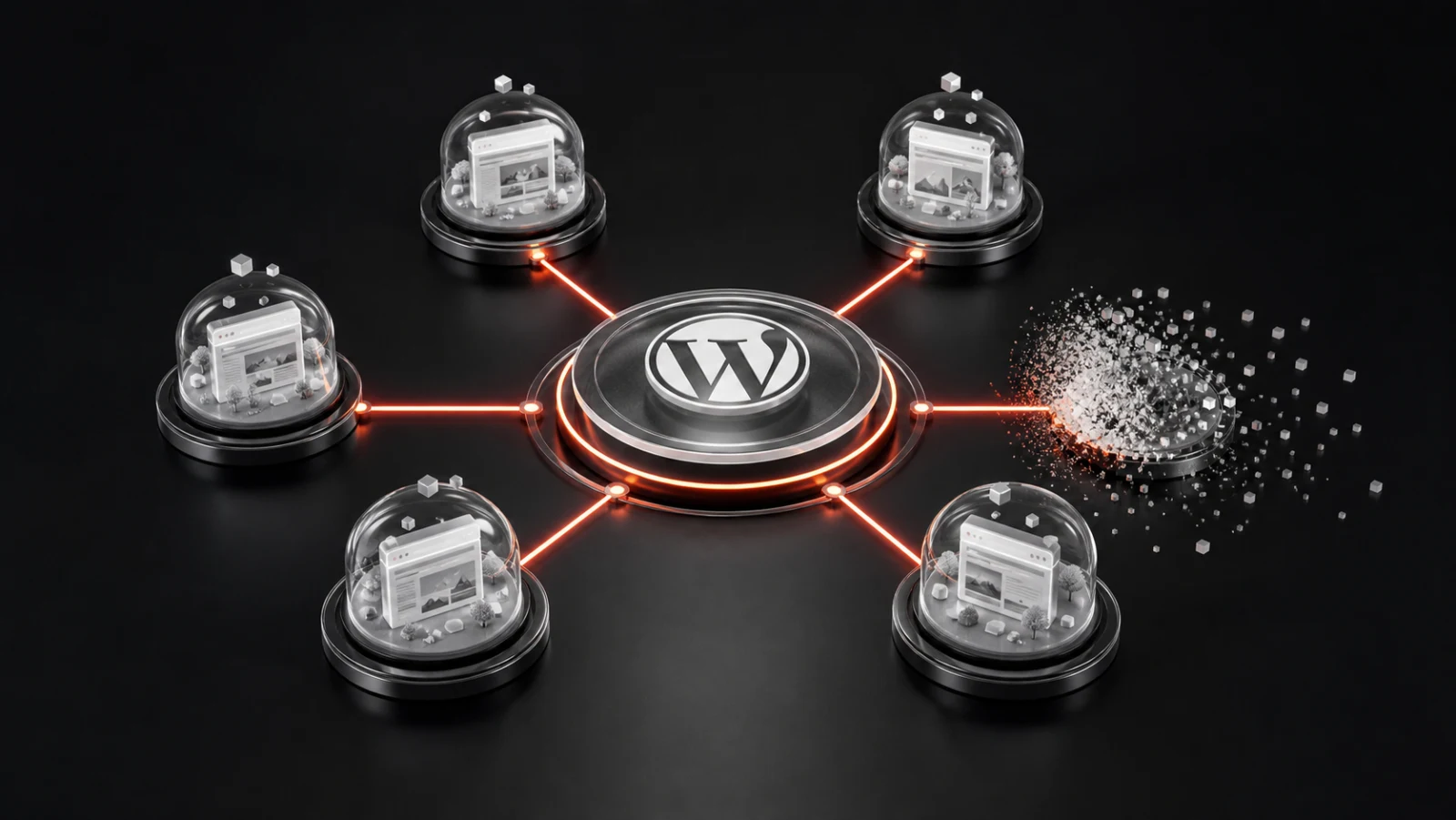
A disposable WordPress sandbox is a temporary site created for one bounded purpose and removed when that purpose ends. Plugin demonstrations are an obvious use case, but the same lifecycle can support training, support reproduction, presales evaluation, and controlled experiments.
WordPress Multisite supplies the site-management primitives. A reliable sandbox system adds the missing product layer: definitions, access, time limits, restrictions, state tracking, cleanup, and administrator visibility.
Table of contents
- Model the network components
- Create the subsite safely
- Seed only necessary data
- Create and consume access tokens
- Enforce expiration in more than one place
- Control side effects
- Operate cleanup as a queue
- Plan capacity with measurements
- Frequently asked questions
Model the network components
The network needs product definitions, temporary sites, temporary users, sessions, and a cleanup worker. Product definitions are durable. Sites and users are disposable. Session records connect them and retain enough operational state for expiry and troubleshooting.
Keep product configuration separate from session data. Editing the default duration for future demonstrations should not unexpectedly change the expiry of sessions that are already active.
Create the subsite safely
Validate that the requested product is public and launchable, check the visitor’s rate limit, reserve capacity, then create the site. Activate or configure dependencies only after the site exists, and mark the session active only after the setup routine succeeds.
Use a compensating cleanup path when any step fails. A failed dependency activation should not leave an untracked site behind. Return a useful public error while retaining more detailed diagnostics for administrators.
Seed only necessary data
A good sandbox starts with enough sample data to make the workflow understandable. Generate that data specifically for the demonstration and keep the creation routine deterministic. Large, elaborate fixtures increase provisioning time and make maintenance harder.
Where a plugin integrates with a paid API or external platform, use a documented test mode or a controlled stub when available. Never embed a broadly privileged production secret in every temporary site.
Create and consume access tokens
Generate an unpredictable token, store only the information required to validate it, set a short expiration, bind it to the intended site and user, and invalidate it after the first successful exchange. Redirect to HTTPS and avoid leaking the token into third-party analytics or referrer logs.
Once authenticated, normal WordPress session cookies take over. If the sandbox expires while the browser remains open, server-side authorization must still reject access rather than trusting the visible timer.
Enforce expiration in more than one place
Schedule network cleanup, but do not assume WP-Cron runs at the exact expiry second. Check session validity when sensitive sandbox requests occur and block access when a session is no longer active. The cleanup process can then delete the underlying environment asynchronously.
This separation improves resilience: access ends at the configured time even if physical deletion is briefly delayed, and the deletion worker can retry without extending the visitor’s entitlement.
Control side effects
Temporary sites should not send real password resets, order messages, marketing emails, or administrative notifications. Capture or block mail and show a demo-safe notice where necessary. Review outbound HTTP requests because some plugins can create webhooks, connect accounts, or trigger remote jobs.
Also inspect custom database tables, files outside the standard uploads directory, background jobs, and shared network options. Deleting a subsite cannot remove external records the demonstrated plugin created elsewhere.
Operate cleanup as a queue
Query a bounded number of expired sessions, transition each to an expiring state, revoke access, remove associated site resources, delete temporary users when safe, and mark completion. If deletion fails, retain the session record and retry with backoff.
Administrative visibility matters. Show active and recent sessions, creation and expiry times, product association, status, and actionable failures without turning the log into a store of unnecessary personal data.
Plan capacity with measurements
Multisite makes provisioning convenient, but it does not create unlimited CPU, memory, disk, or database throughput. Benchmark representative plugins and sample data. Measure launch duration, active-session resource use, cleanup rate, database growth, and worst-case concurrent PHP activity.
Set a launch ceiling that matches tested capacity. Return a friendly busy state instead of allowing the server to fail under an uncontrolled burst.
Try WPStack Sandbox Manager
Explore the WPStack Sandbox Manager product page, launch a session on the live demo, or start with the free Community edition. The Community edition supports one configured demo product; Pro adds unlimited products, white-labelling, analytics, webhooks, import/export, and commercial updates.
Frequently asked questions
No. Subsites have separate site data but share the WordPress codebase, PHP runtime, database server, and other infrastructure.
A public plugin demo should normally use an administrator-controlled allowlist and predefined dependencies rather than allowing arbitrary installation.
Delete users created solely for the sandbox when they are no longer attached to any required site. Be careful not to remove shared network users.
Enforce access expiry during requests and use a reliable server cron for cleanup where precise or high-volume operation matters.

Aditya Bhimrajka is a technology entrepreneur, product strategist, and software solutions expert with over a decade of experience building scalable web and mobile applications. His expertise spans SaaS, AI, cloud technologies, custom software development, and digital transformation. Passionate about solving real-world business challenges through technology, Aditya shares practical insights on WordPress, plugins, software development, startup growth, product strategy, and emerging technologies. At WPStack, he writes actionable, experience-driven content that helps developers, businesses, and website owners build secure, high-performing, and future-ready WordPress solutions.
1 Comment
Comments are closed.
Self-Hosted vs Hosted WordPress Demo Platforms
August 1, 2026 at 1:07 pm
“ […] Previous: How to Build a Disposable WordPress Sandbox with Multisite […] “