
How to Let Customers Test a WordPress Plugin Before Buying
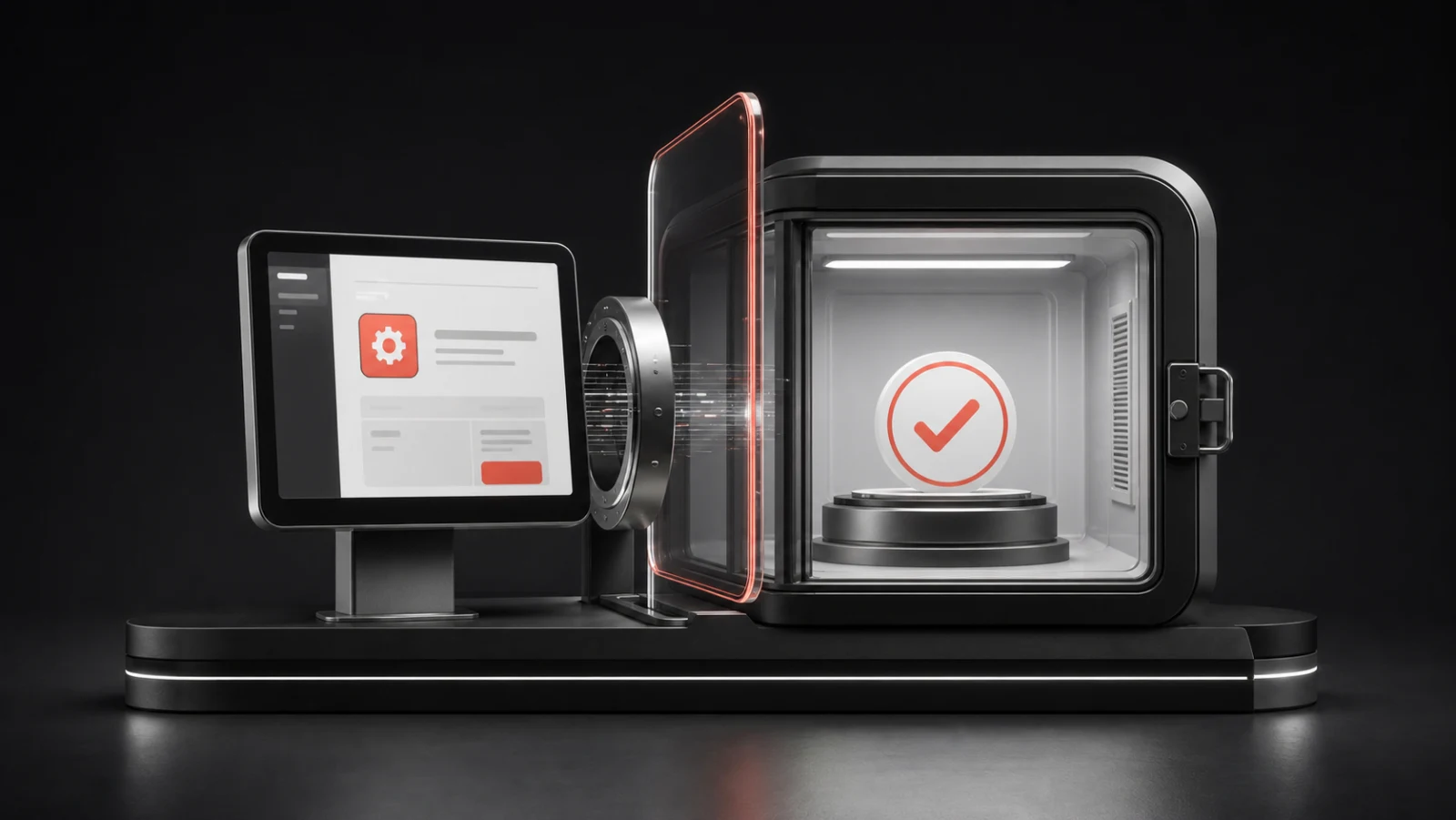
A customer evaluating a WordPress plugin is rarely asking whether the interface looks attractive. They want to know whether the plugin supports their workflow, whether configuration makes sense, and whether the result justifies adding another dependency to a production site.
A hands-on demonstration can answer those questions faster than a long feature page, but only if it is honest, private, and easy to use. A confusing or broken sandbox creates more doubt than no demo at all.
Table of contents
- Choose the decision the demo should support
- Prepare realistic but fictional data
- Remove access friction
- Keep each visitor’s work private
- Design the route from evaluation to action
- Collect evidence without surveillance
- Connect the demo to useful content
- Frequently asked questions
Choose the decision the demo should support
Start with the purchase uncertainty the demonstration must resolve. For a media-management plugin, that may be whether it identifies real usage before deletion. For an administrative workflow tool, it may be whether the controls remove noise without hiding important warnings.
Do not attempt to expose every setting on the first screen. Select one or two representative jobs that show the product’s value and technical boundaries. The demo should help someone make a decision, not reproduce the entire documentation site.
Prepare realistic but fictional data
An empty WordPress installation forces visitors to create content before they can evaluate the plugin. Seed the environment with fictional posts, media, users, orders, or configuration appropriate to the use case. Label sample data clearly so it cannot be mistaken for a real customer account.
Avoid importing production databases into a public demo. Even after names are removed, content, email addresses, tokens, order notes, analytics identifiers, and plugin settings can expose private information. Build a deliberate demonstration dataset instead.
Remove access friction
A visitor who has already clicked “Try demo” should not face a registration form, verification email, password creation screen, and generic login page. Use controlled automatic access and land the visitor at the screen where the promised workflow begins.
Show the remaining time and explain what will happen at expiry. If extensions are available, state the rule before the clock reaches zero. Predictable limits feel more professional than a session that disappears without warning.
Keep each visitor’s work private
Shared demos create cross-visitor interference. Settings change, sample content disappears, and one person may encounter data left by another. A private temporary site prevents most of that confusion and makes reset behaviour simple: delete the entire demonstration environment.
A private subsite is still part of shared infrastructure. Prevent network administration, restrict unnecessary external communication, review file uploads, and apply rate limits to site creation.
Design the route from evaluation to action
The end of a demonstration should offer clear choices: return to product details, download the free edition, view pricing, contact sales for a technical question, or start again. Do not interrupt the product workflow with aggressive overlays.
For a free plugin, the most useful action may be a direct download from the detailed product page. For a paid plugin, the visitor may need a feature comparison, licensing explanation, refund terms, and documentation before checkout.
Collect evidence without surveillance
Useful product signals include demo launches, successful provisioning, time to first product action, extensions, session completion, and clicks to documentation or pricing. These events can reveal where the evaluation journey breaks.
Do not collect form fields merely because they are available. If an email is optional, say what it will be used for and separate product updates from necessary service communication. Respect consent and retention rules in the jurisdictions you serve.
Connect the demo to useful content
Link the demonstration to documentation for the exact workflow being tested. A visitor should not need to search an entire knowledge base to understand a control. Link back from the product page and relevant educational articles so discovery works in both directions.
For WPStack Sandbox Manager, the live demo demonstrates the same visitor journey the product helps customers create. The product page then explains Community and Pro capabilities in detail.
Turn Product Evaluation Into Product Confidence
A strong WordPress plugin demo should do more than show features. It should give visitors a private, realistic environment where they can complete an important workflow, understand the product quickly, and decide whether it fits their needs.
WPStack Sandbox Manager helps you create disposable WordPress demo environments that are easier to control, reset, and scale without relying on one shared installation.
Ready to give prospects a hands-on plugin experience? Explore WPStack Sandbox Manager, launch the live demo, or start with the Community edition to build your first self-hosted demo environment.
Frequently asked questions
Usually not for a short public evaluation. Remove unnecessary friction, then offer an optional way to continue the relationship with clear consent.
It can, but settings and data will collide. Private disposable environments provide a more predictable evaluation.
Include enough of the real product to support a fair decision. Clearly identify anything disabled for security, licensing, infrastructure, or third-party cost reasons.
No. A demo shows behaviour; documentation explains setup, constraints, compatibility, and recovery. Strong product evaluation uses both.
Try WPStack Sandbox Manager
Explore the WPStack Sandbox Manager product page, launch a session on the live demo, or start with the free Community edition. The Community edition supports one configured demo product; Pro adds unlimited products, white-labelling, analytics, webhooks, import/export, and commercial updates.

Aditya Bhimrajka is a technology entrepreneur, product strategist, and software solutions expert with over a decade of experience building scalable web and mobile applications. His expertise spans SaaS, AI, cloud technologies, custom software development, and digital transformation. Passionate about solving real-world business challenges through technology, Aditya shares practical insights on WordPress, plugins, software development, startup growth, product strategy, and emerging technologies. At WPStack, he writes actionable, experience-driven content that helps developers, businesses, and website owners build secure, high-performing, and future-ready WordPress solutions.