
How to Secure a Public WordPress Plugin Sandbox
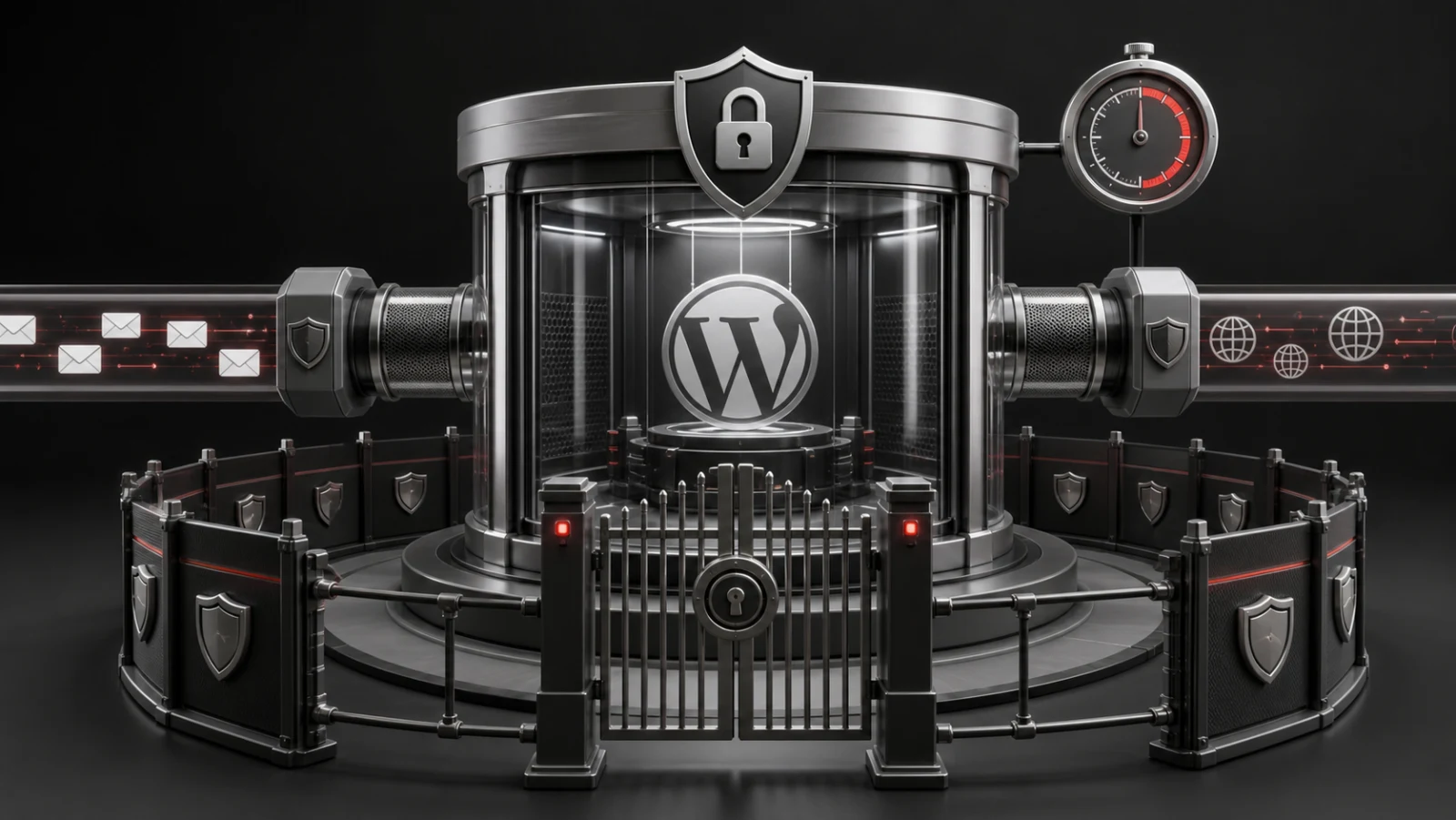
A public WordPress sandbox accepts untrusted visitors into an administrative interface connected to shared infrastructure. The environment may be temporary, but the risks are real: outbound email, external requests, uploads, resource exhaustion, privilege misuse, retained data, and vulnerable demonstrated code.
Security therefore has to cover the complete session lifecycle. Provisioning, authentication, permissions, communication, expiry, deletion, monitoring, and incident response must work together.
Key takeaways
- Use a private temporary site for each visitor.
- Grant only the capabilities required by the demonstrated workflow.
- Block or capture email and restrict unnecessary external HTTP requests.
- Rate-limit launches and enforce tested concurrency ceilings.
- Expire access server-side and make cleanup retryable.
Table of contents
- Start with a threat model
- Isolate visitor state
- Protect automatic login
- Apply least privilege
- Control communication
- Limit consumption
- Make expiration reliable
- Monitor and rehearse response
- Frequently asked questions
Start with a threat model
List the people, data, services, and infrastructure exposed by the demonstration. Consider intentional abuse, accidental destructive actions, vulnerable plugins, leaked access links, automated launch traffic, expensive API calls, and failures that leave expired sites active.
Define what the sandbox promises to isolate and what remains shared. Multisite separates site-level data, but PHP workers, plugin code, the database server, object cache, and network configuration remain common resources.
- Public launch endpoint
- Temporary login route
- wp-admin capabilities
- Uploads and imports
- Email and webhooks
- External APIs
- Shared server capacity
Isolate visitor state
Give each visitor a separate temporary subsite instead of a shared mutable demo. This prevents most cross-visitor settings collisions and makes deletion a clear reset mechanism.
Isolation is incomplete if a demonstrated plugin stores data in network options, shared custom tables, remote services, or directories outside the site upload path. Audit those behaviours before making a product publicly launchable.
Protect automatic login
Use unpredictable, short-lived, single-use tokens bound to a specific session, user, and site. Consume the token during exchange and avoid reusable credentials in URLs, documentation, or frontend source.
Prevent tokens from leaking through analytics, logs, referrer headers, screenshots, and third-party resources. Access must stop when the server-side session expires even if a browser tab remains open.
Apply least privilege
Choose the lowest role and capability set that still demonstrates the product honestly. Block Network Admin entirely and remove unrelated administrative actions such as plugin installation, theme editing, user escalation, or unrestricted file management.
Some plugin workflows genuinely require administrator capabilities. Treat that as an explicit risk decision, not a default. Add compensating restrictions and test common escalation paths.
Control communication
Temporary sites should not send real order messages, password resets, marketing mail, or administrative notifications. Capture mail for display or block delivery while preserving enough interface feedback for the workflow to make sense.
Restrict outbound HTTP requests to required destinations or disable them for products that do not need integrations. Never place broadly privileged production credentials inside every sandbox.
Limit consumption
Rate-limit launches by a privacy-conscious visitor signal, cap active sessions, restrict upload size, bound background jobs, and monitor database and filesystem growth. A friendly capacity message is safer than allowing the network to exhaust PHP workers or storage.
Benchmark the heaviest configured product rather than an empty WordPress site. Include provisioning bursts, concurrent wp-admin requests, cron work, cleanup, object cache, and remote dependency latency.
Make expiration reliable
Store expiry at the network level and reject expired sessions during requests. Use a reliable cleanup worker to remove sites in bounded batches. Do not depend on a browser timer or one precisely timed WP-Cron event.
Deletion must be idempotent because administrators, request-time checks, cron, and retries may all initiate it. Retain actionable failure status without keeping unnecessary visitor data.
Monitor and rehearse response
Track launch success, provisioning duration, active sessions, cleanup backlog, failures, resource use, and abuse signals. Alert on trends that can become incidents rather than logging everything without ownership.
Maintain a way to pause new launches, expire active sessions, disable a product definition, and inspect cleanup failures. Test these controls before a public campaign creates urgent demand.
Pre-launch sandbox security checklist
- Confirm Network Admin is unreachable from every temporary role.
- Attempt to reuse an automatic-login token after successful exchange.
- Trigger email, webhook and external API actions from the demonstrated plugin.
- Test uploads, imports, background jobs and custom database tables.
- Exhaust the extension allowance and confirm access ends server-side.
- Delete a site twice and verify cleanup remains safe.
- Simulate capacity exhaustion and confirm visitors receive a controlled response.
Run these checks again after major WordPress, PHP, Multisite, or demonstrated-plugin updates. A sandbox’s risk changes when the product inside it changes, even when the lifecycle manager itself has not been modified.
Launch a Safer WordPress Plugin Sandbox
A public WordPress demo should do more than reset content after each session. It must protect temporary access, restrict unnecessary capabilities, control outbound communication, prevent resource abuse, and reliably remove expired environments. WPStack Sandbox Manager helps you create isolated, self-hosted demo sessions with controlled access, automatic expiration, cleanup workflows, product management, and a professional visitor experience.
Explore WPStack Sandbox Manager Community for a free single-product demo setup, or choose Pro for unlimited products, white-labelling, analytics, webhooks, import/export tools, and commercial updates. Review the product details and test the live sandbox to see how it fits your demonstration workflow.
Need advanced permissions, custom provisioning logic, third-party integrations, branded login flows, or additional security controls? Contact WPStack for custom WordPress plugin development and a sandbox solution designed around your infrastructure, products, and visitor requirements. Book a free consultation with WPStack to discuss your project.
Frequently asked questions
No. Subsites separate site data but share the WordPress codebase and underlying infrastructure.
Only when required for an honest product demonstration, with unrelated capabilities and network access restricted.
It can, but captured messages must not expose one visitor’s activity to another and the mailbox must be protected from volume abuse.
Revoke access at expiry, then delete resources through a retryable, idempotent cleanup process.
Try WPStack Sandbox Manager
Review the complete product details, experience the live sandbox, or download the free Community edition. Pro adds unlimited products, white-labelling, analytics, webhooks, import/export, and commercial updates.

Aditya Bhimrajka is a technology entrepreneur, product strategist, and software solutions expert with over a decade of experience building scalable web and mobile applications. His expertise spans SaaS, AI, cloud technologies, custom software development, and digital transformation. Passionate about solving real-world business challenges through technology, Aditya shares practical insights on WordPress, plugins, software development, startup growth, product strategy, and emerging technologies. At WPStack, he writes actionable, experience-driven content that helps developers, businesses, and website owners build secure, high-performing, and future-ready WordPress solutions.