Plugin Guides
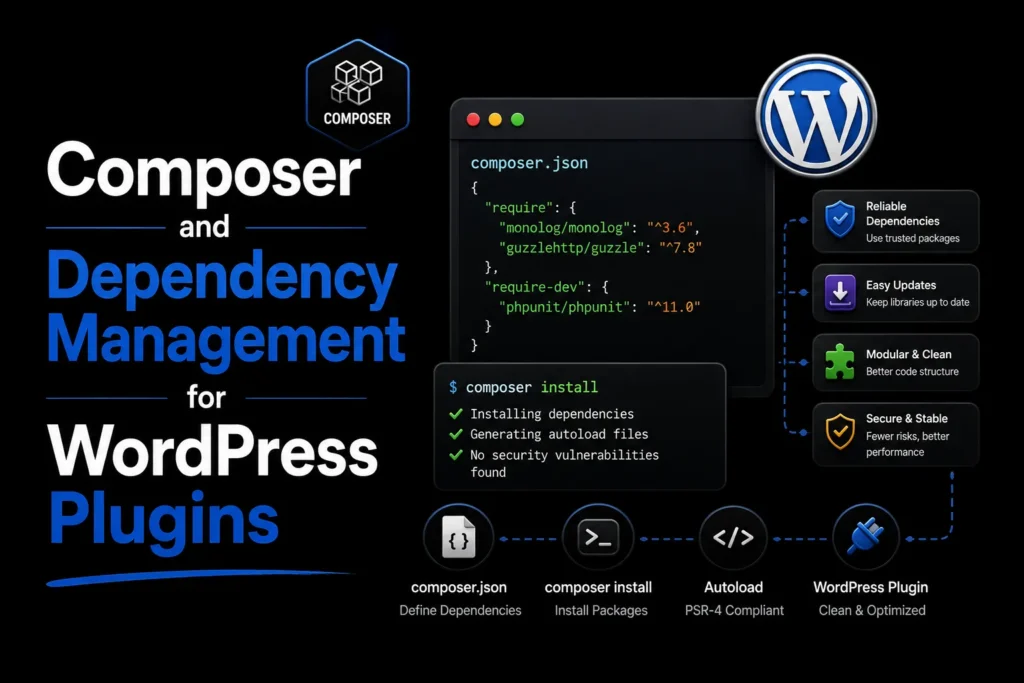
Composer and Dependency Management for WordPress Plugins
Use Composer safely in WordPress plugins with scoped dependencies, optimized autoloading, reproducible builds, licensing checks, and conflict prevention.
Read article


Practical guides on plugin architecture, AI, WooCommerce, performance, security, and maintainable WordPress delivery.
111 articles
Use Composer safely in WordPress plugins with scoped dependencies, optimized autoloading, reproducible builds, licensing checks, and conflict prevention.
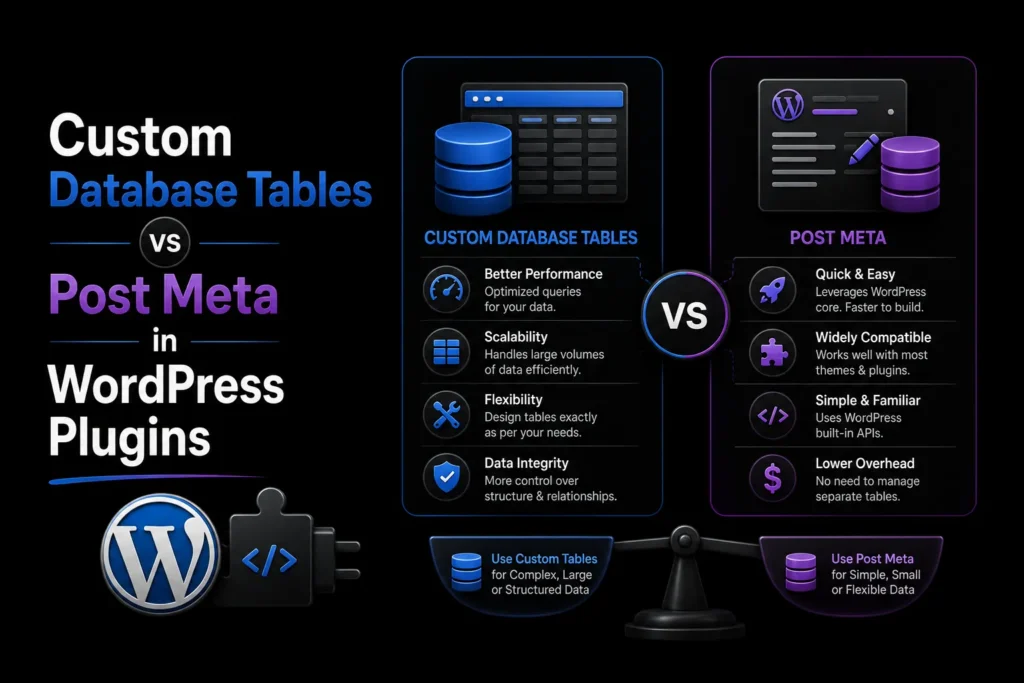
Read articleCompare custom database tables and post meta for WordPress plugins using query patterns, scale, lifecycle, migration, and maintenance trade-offs.
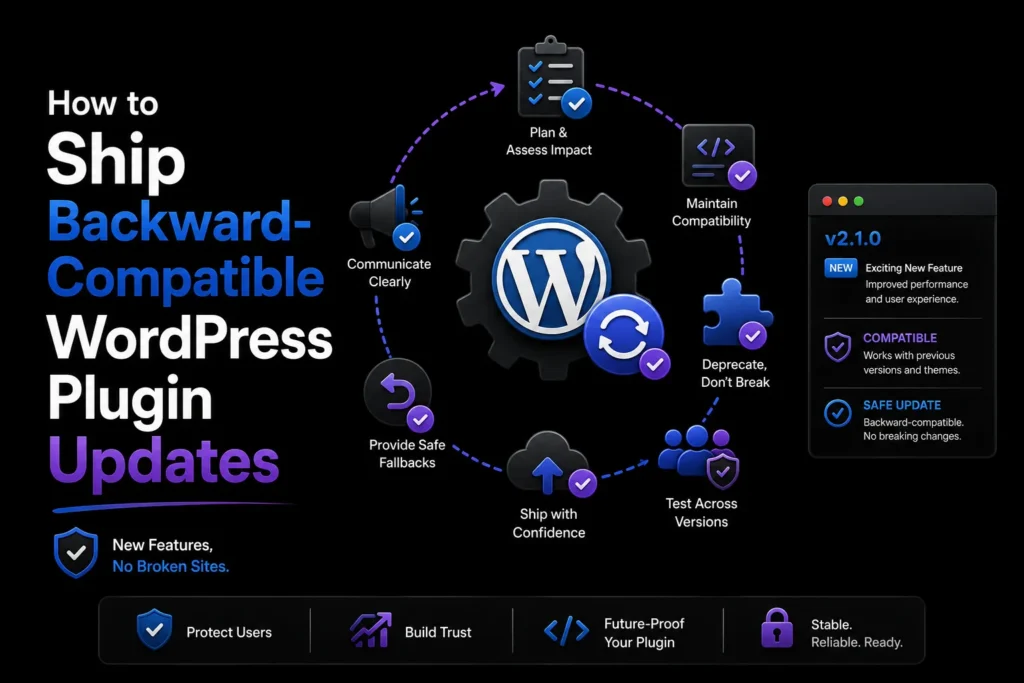
Read articleLearn how to release backward-compatible WordPress plugin updates with staged migrations, deprecation paths, rollback planning, and safer testing.
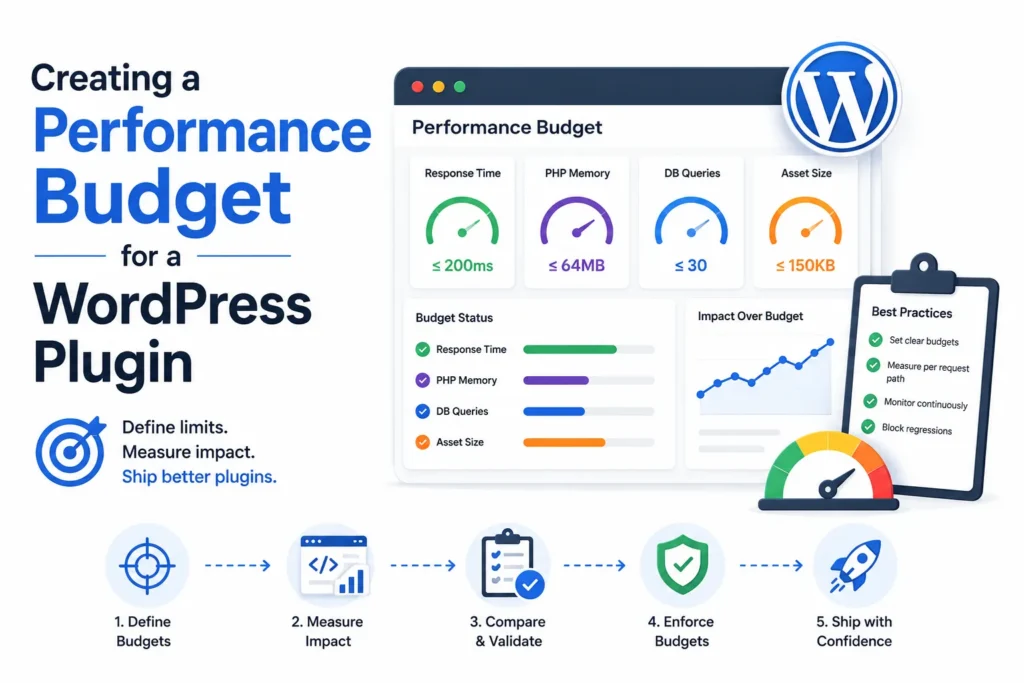
Read articleCreate a WordPress plugin performance budget for load time, queries, memory, assets, background work, and regressions with repeatable measurements.
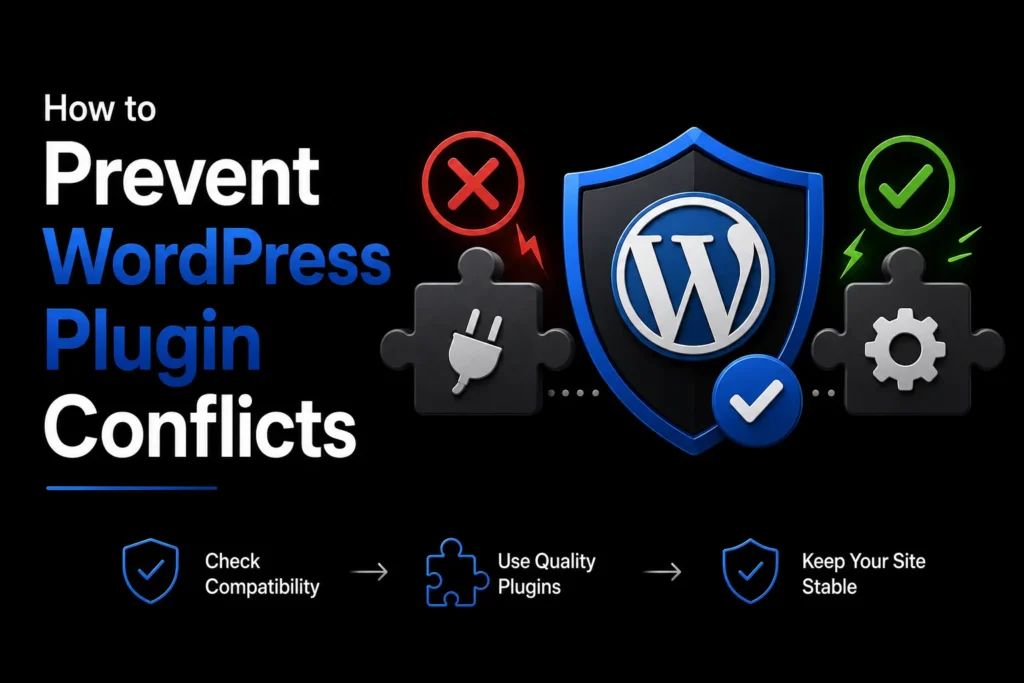
Read articlePrevent WordPress plugin conflicts with namespaces, conditional loading, hook discipline, dependency checks, CSS isolation, and reproducible testing.
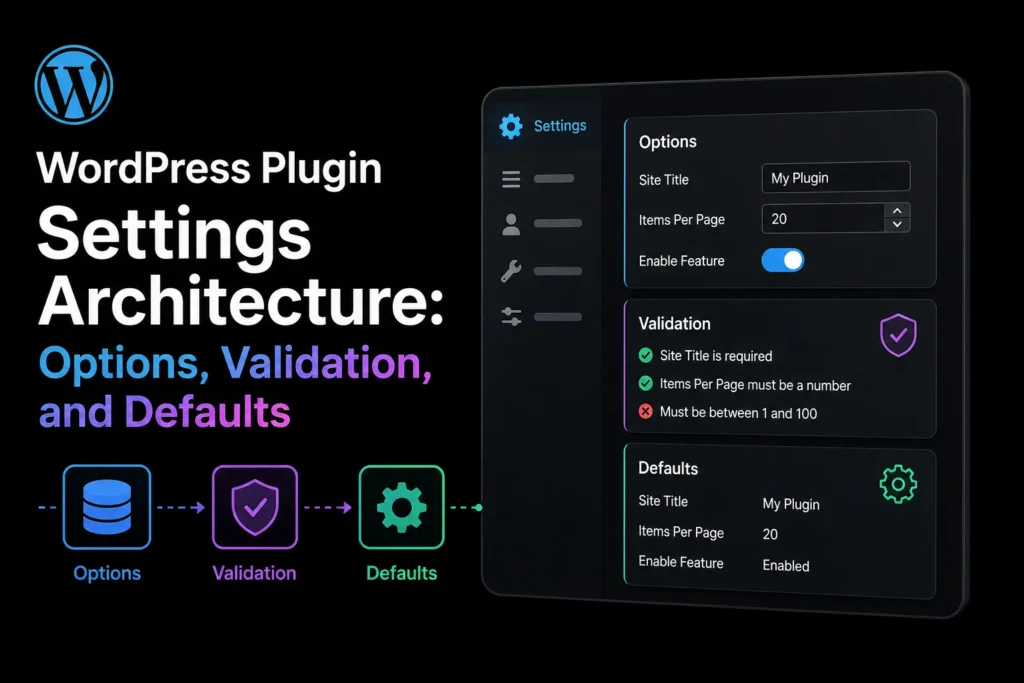
Read articleDesign WordPress plugin settings with clear ownership, schema validation, safe defaults, autoload decisions, migrations, permissions, and exportability.
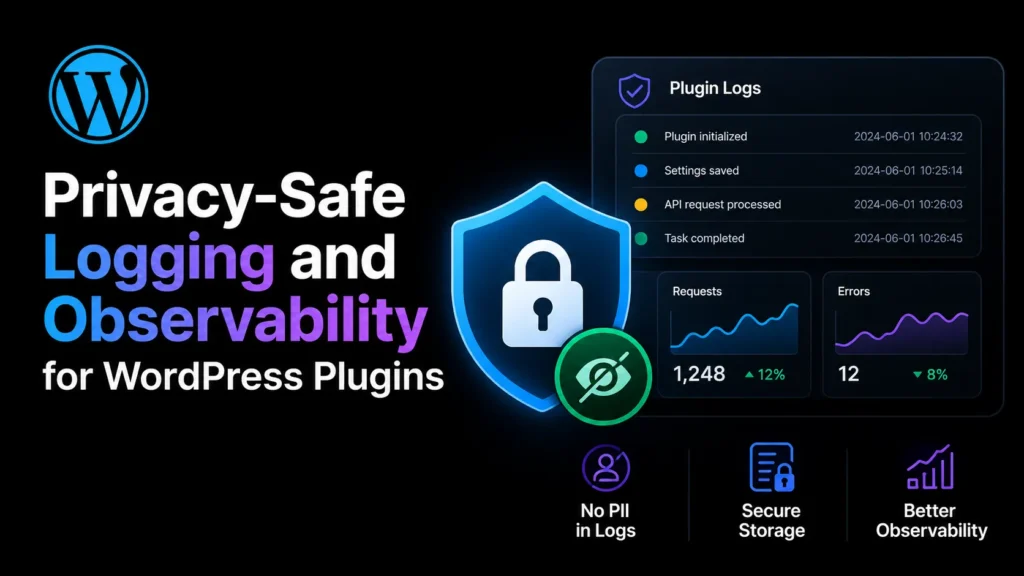
Read articleDesign privacy-safe WordPress plugin logs with event structure, severity, correlation IDs, redaction, retention, access control, and support exports.
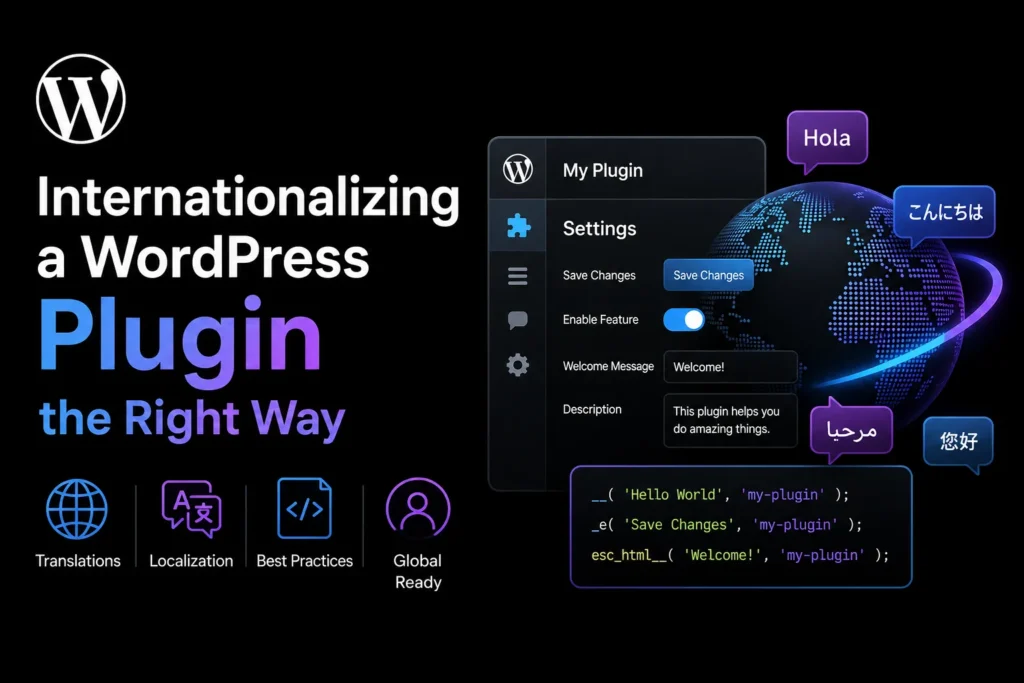
Read articleInternationalize a WordPress plugin with text domains, translator comments, placeholders, plural forms, JavaScript translations, and locale-safe formatting.
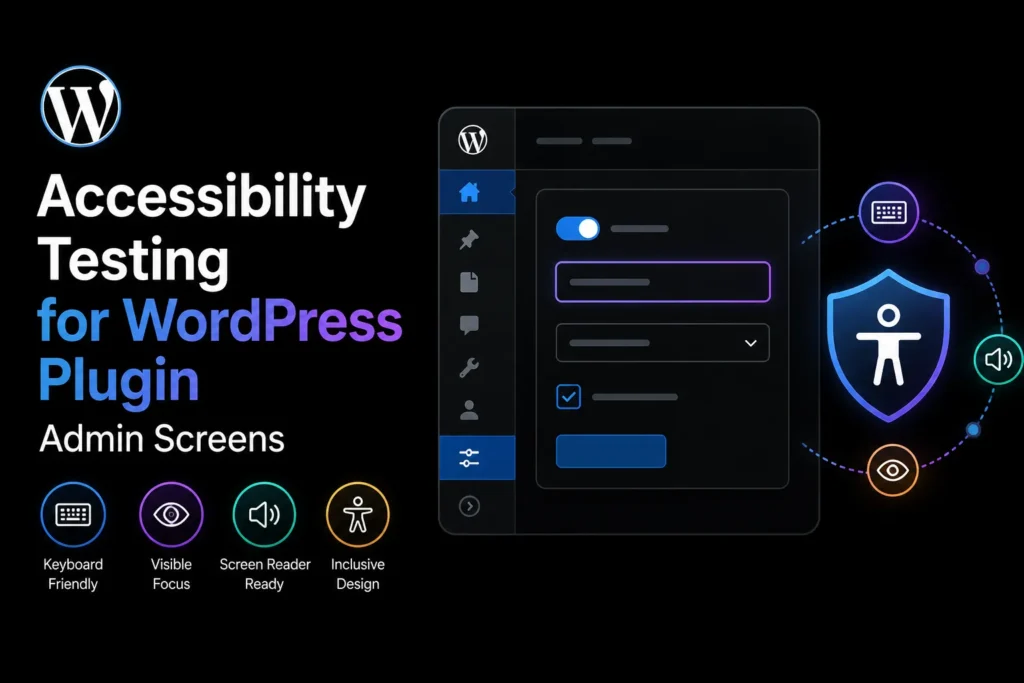
Read articleTest WordPress plugin admin screens for keyboard access, focus order, labels, errors, contrast, motion, responsive zoom, and screen-reader clarity.
Read articleBrowse every WPStack tutorial by topic, from plugin architecture and security to performance, media, accessibility, and operations.
View all WordPress guides