Plugin Guides
How to Prevent WordPress Plugin Conflicts
Prevent WordPress plugin conflicts with namespaces, conditional loading, hook discipline, dependency checks, CSS isolation, and reproducible testing.
Read article


Practical guides on plugin architecture, AI, WooCommerce, performance, security, and maintainable WordPress delivery.
51 articles
Prevent WordPress plugin conflicts with namespaces, conditional loading, hook discipline, dependency checks, CSS isolation, and reproducible testing.
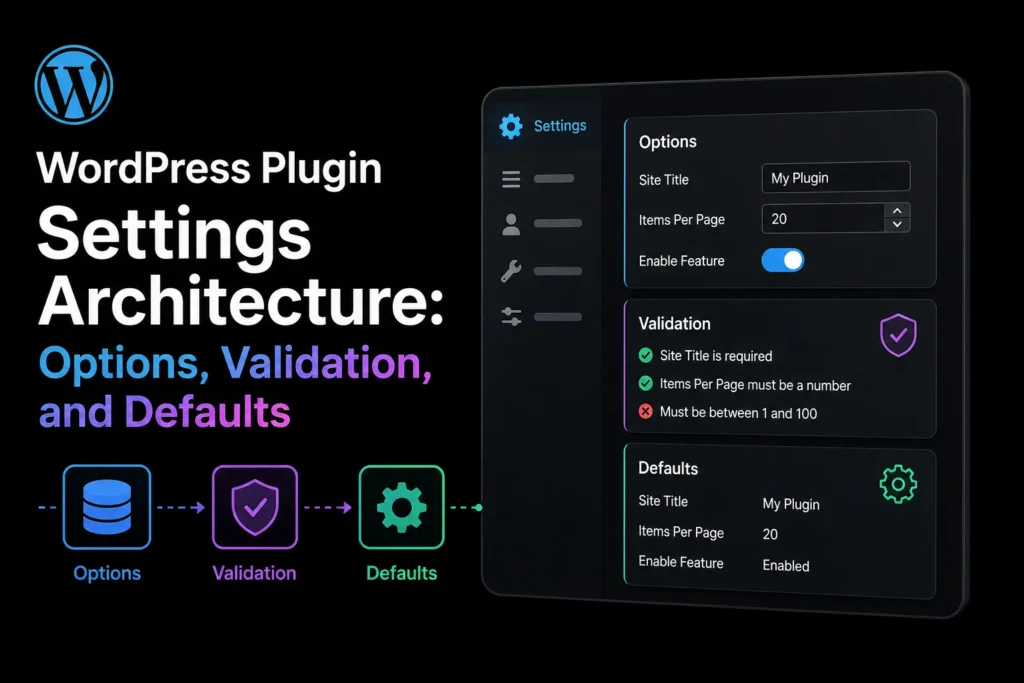
Read articleDesign WordPress plugin settings with clear ownership, schema validation, safe defaults, autoload decisions, migrations, permissions, and exportability.
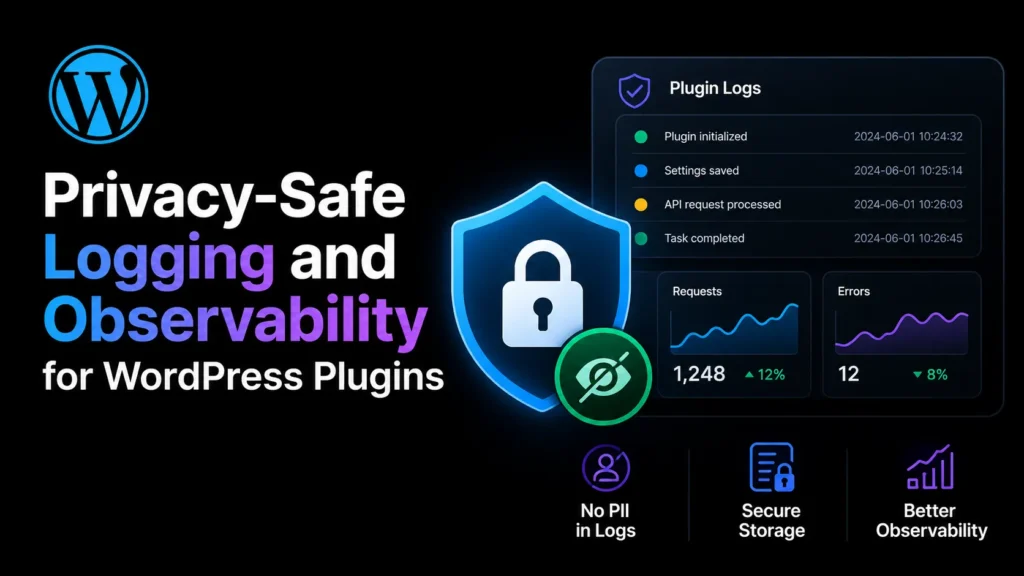
Read articleDesign privacy-safe WordPress plugin logs with event structure, severity, correlation IDs, redaction, retention, access control, and support exports.
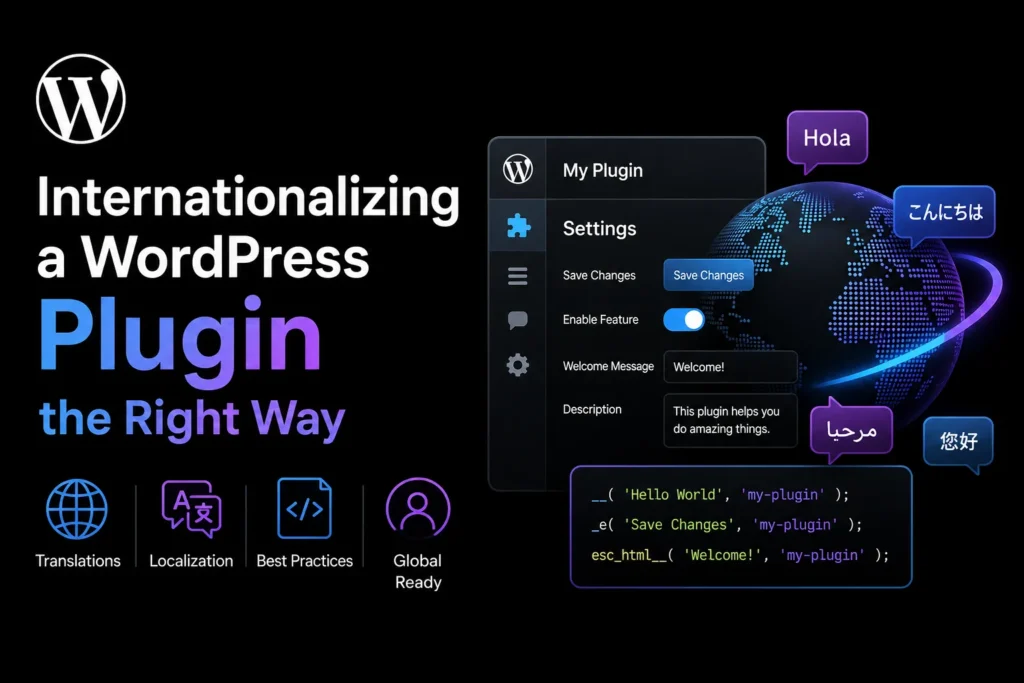
Read articleInternationalize a WordPress plugin with text domains, translator comments, placeholders, plural forms, JavaScript translations, and locale-safe formatting.
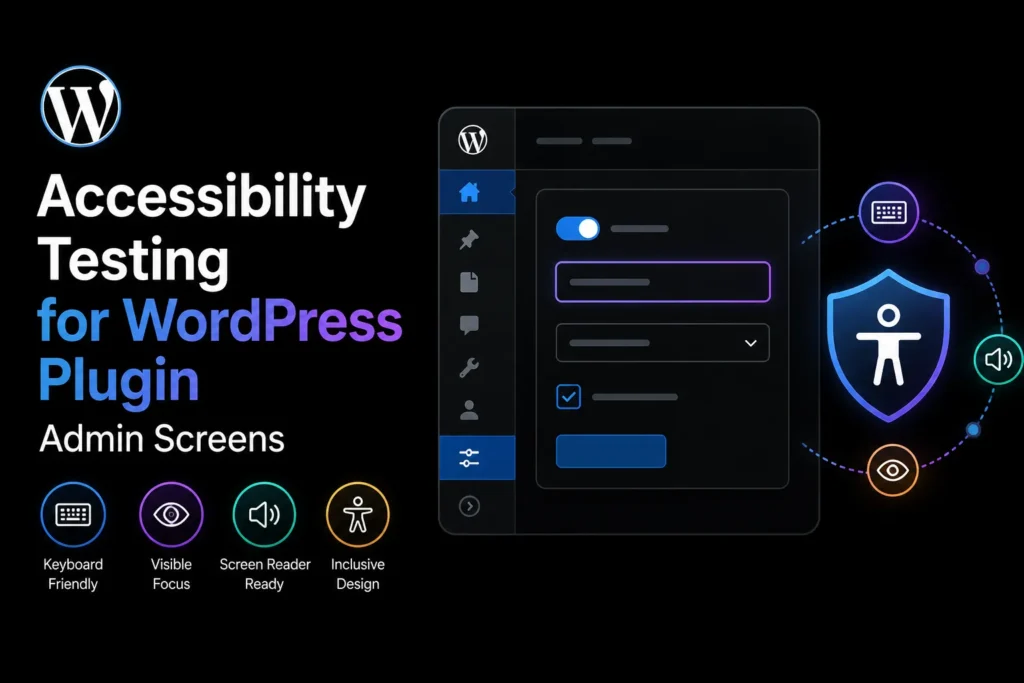
Read articleTest WordPress plugin admin screens for keyboard access, focus order, labels, errors, contrast, motion, responsive zoom, and screen-reader clarity.
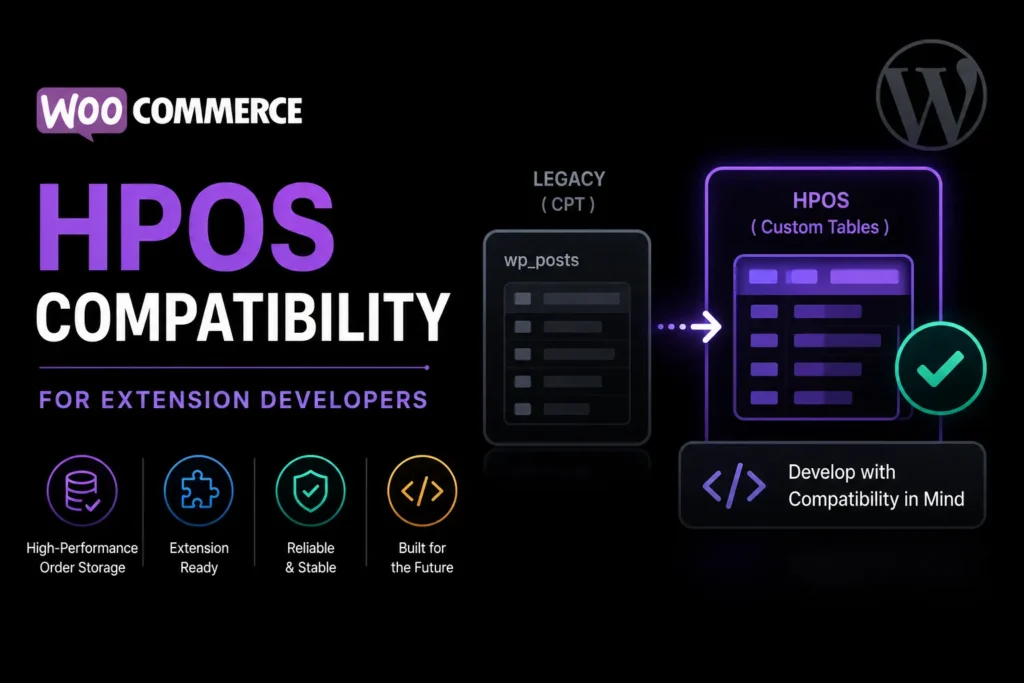
Read articleMake WooCommerce extensions compatible with High-Performance Order Storage by replacing direct post queries, declaring support, and testing both modes.
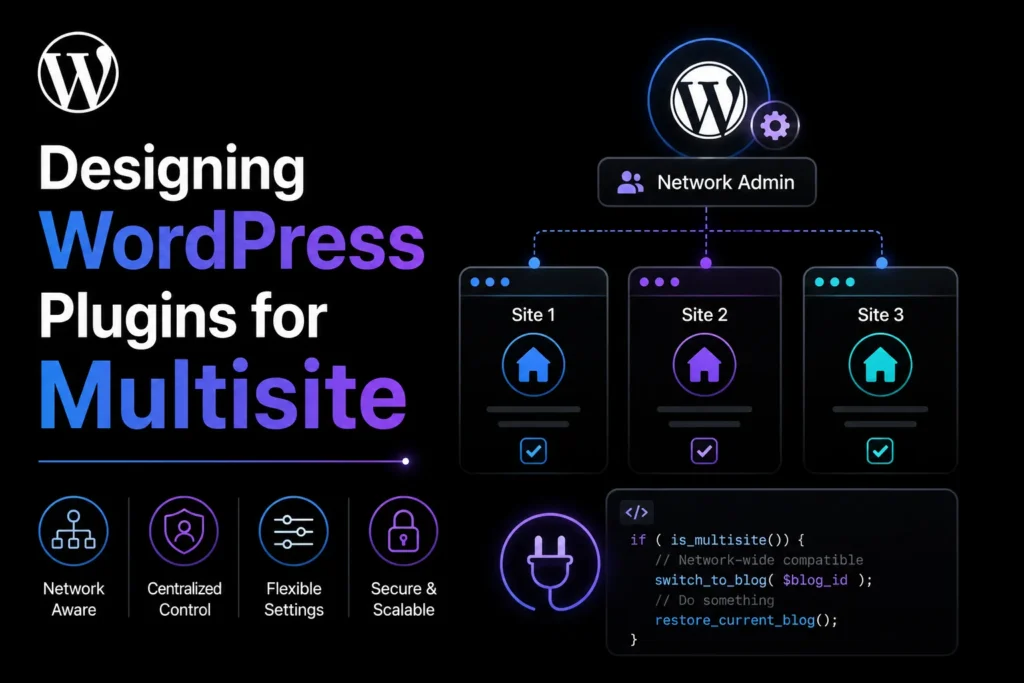
Read articleDesign WordPress plugins for multisite with clear network activation, site-scoped data, capabilities, migrations, jobs, and uninstall behaviour.
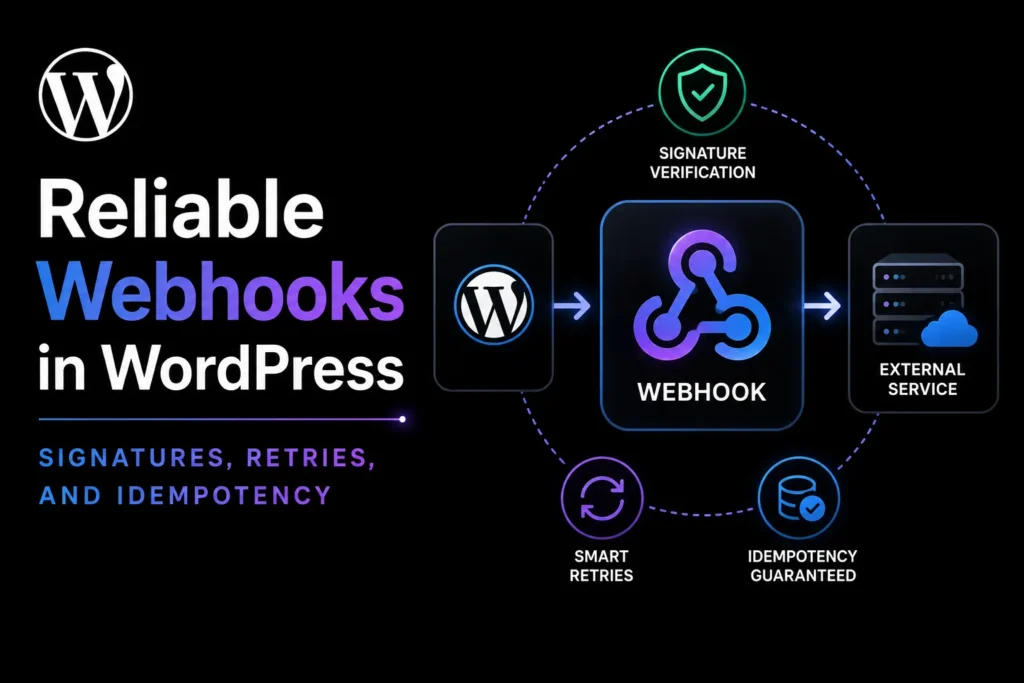
Read articleBuild reliable WordPress webhooks with signature verification, replay protection, idempotency, fast acknowledgements, retries, and useful delivery logs.
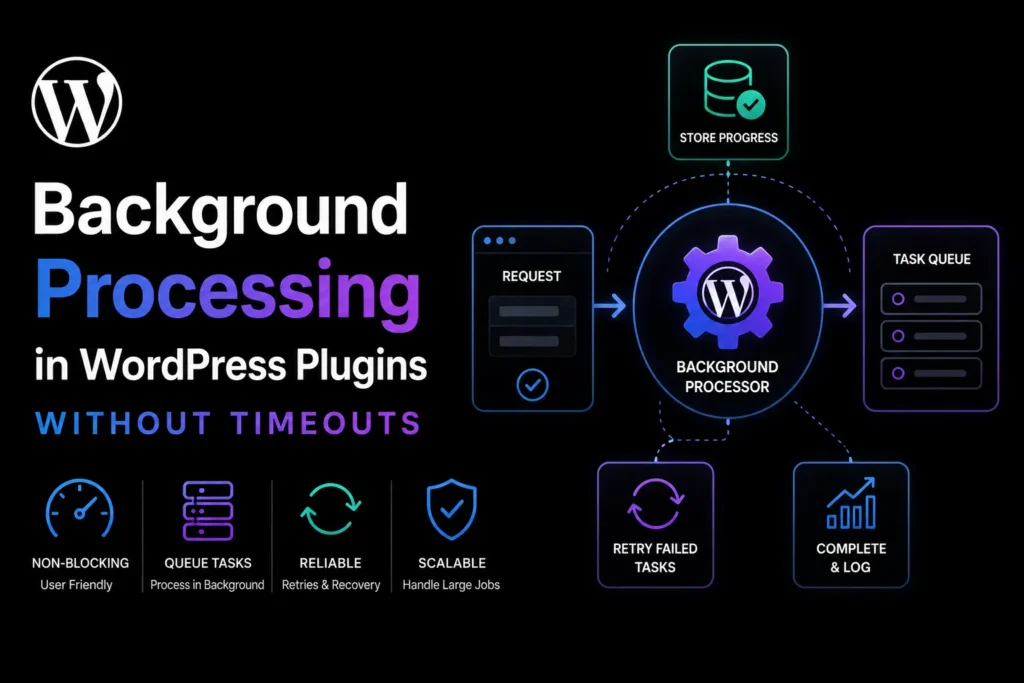
Read articleBuild reliable background processing in WordPress plugins with bounded jobs, queues, locks, retries, idempotency, progress, and failure recovery.
Read articleBrowse every WPStack tutorial by topic, from plugin architecture and security to performance, media, accessibility, and operations.
View all WordPress guides