
Internationalizing a WordPress Plugin the Right Way
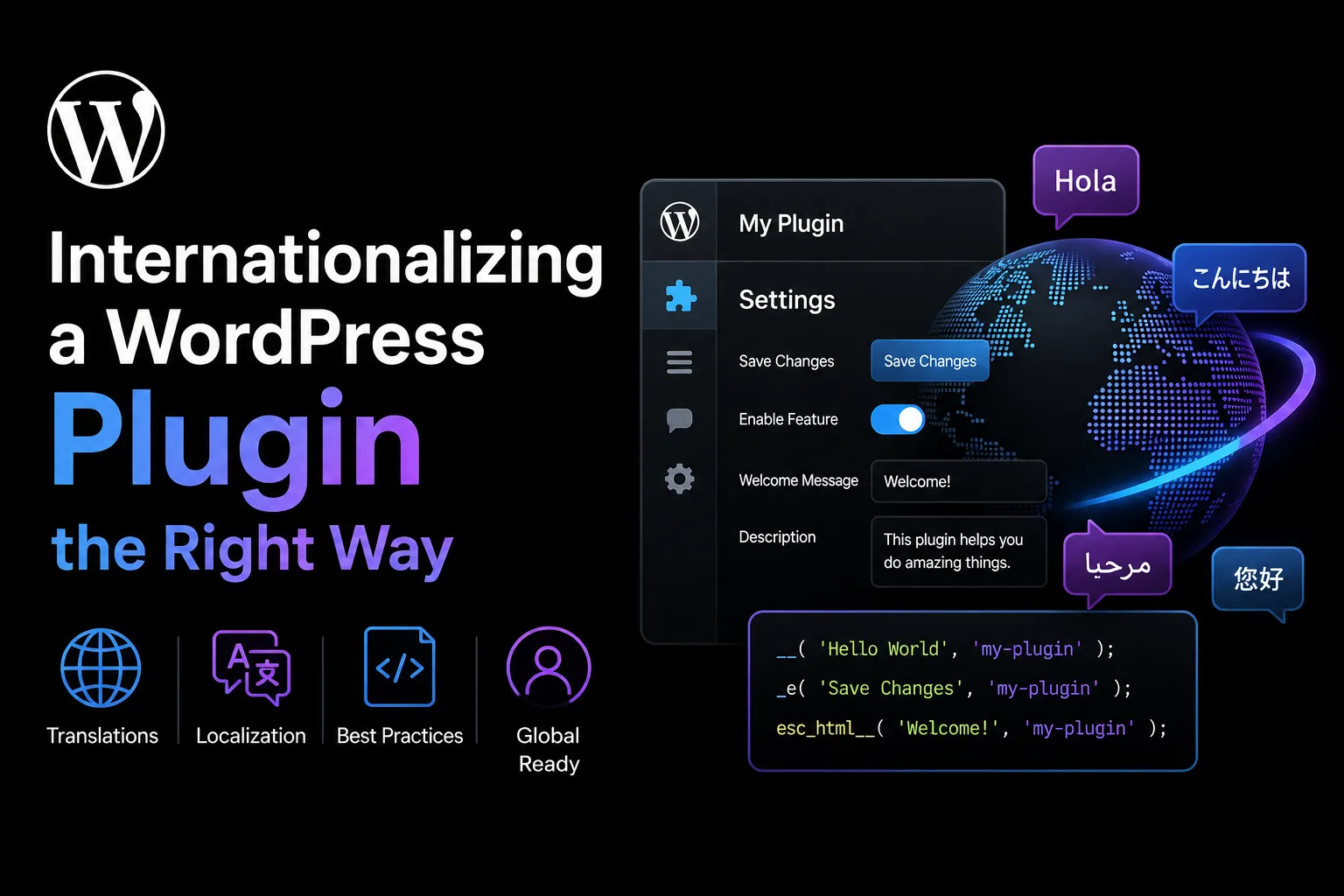
Internationalization is not a final search-and-replace task. It affects how strings are written, how variables are inserted, how dates and numbers are displayed, how JavaScript interfaces are built, and how layouts respond to longer or right-to-left text.
A plugin may appear translation-ready because its labels use translation functions. Localization can still fail when messages are assembled from fragments, placeholders are unclear, plural forms are ignored, or production JavaScript bundles hide strings from extraction tools.
An internationalization architecture creates predictable behaviour across languages. Translators receive complete messages, users see formatted values, and developers can verify localization on staging before release.
Make Complete Thoughts Translatable
Wrap every user-facing string in the appropriate WordPress internationalization function and use the plugin text domain consistently.
Translate complete thoughts instead of isolated fragments. Avoid joining pieces such as “You have,” a number, and “items remaining.” Grammar, punctuation, and word order differ between languages, so translators need the complete sentence.
Use a fixed translatable format string and insert dynamic values with placeholders. A message such as “Order %1$s was updated by %2$s” allows translators to rearrange values safely.
Number placeholders when a string contains more than one value. When a placeholder is unclear, add a translator comment immediately before the string. Explain whether it represents a username, product name, file count, or date.
Use One Consistent Text Domain
A WordPress text domain identifies the translation catalogue associated with a plugin. Free WordPress Plugin uses it to load the correct translated strings.
Use one domain across PHP templates, classes, JavaScript registration, language files, and build configuration. Avoid variable text domains because extraction tools depend on predictable static values.
The plugin header, source code, and production package must use the same domain.
Add at least one right-to-left locale and one long-string pseudo-locale to the plugin compatibility test matrix.
Handle Plurals Correctly
Do not create plural messages by adding an “s” or joining sentence fragments.
Use _n() for singular and plural messages. Some languages use more than two plural forms, and their rules differ from English.
Messages such as “1 file processed” and “5 files processed” should pass through a plural-aware function. Insert the number after WordPress selects the correct translated form.
Format displayed numbers according to the active locale so digit grouping and separators remain consistent.
Add Context for Ambiguous Words
The same English word can have different meanings. “Post” may refer to a content item or the action of publishing.
Use _x() and related context-aware functions when a word or phrase is ambiguous. Context is not displayed to users, but it helps translators choose the correct wording.
Use descriptions such as “noun: content item” or “verb: publish action.”
Escape Translated Output
Translation functions do not make output safe. Escape translated content according to where it appears.
Use esc_html__() for ordinary HTML text and esc_attr__() for attribute values. When limited HTML is intentionally allowed, apply a controlled wp_kses() policy that permits only required elements and attributes.
Dynamic values inserted into translated strings must also be validated and escaped for their final context.
Avoid placing complicated HTML structures inside translation strings. Translators should work with readable messages while the plugin controls the interface structure.
Include JavaScript Translations

Modern WordPress plugins often render settings pages, blocks, notices, dashboards, and interactive controls in JavaScript.
Register JavaScript translations with wp_set_script_translations() and ensure that the script handle, text domain, and translation files match.
Build tools must preserve strings in a form WordPress extraction tools can recognize. Minification, dynamic lookup keys, code generation, or custom wrappers may hide strings.
Test the production bundle rather than only source files. A string may work during development but disappear after compilation because the build process transformed it.
Use fixed translation keys and insert dynamic values through placeholders. Do not make variable content the lookup key.
Keep Localizable Text Out of Images
Text embedded in screenshots, illustrations, icons, and promotional graphics cannot be translated through normal language files.
Render important text as interface content instead of baking it into an asset. When an image genuinely requires localized text, define a process for producing language-specific versions.
Review generated PDFs, emails, exports, onboarding graphics, charts, tooltips, confirmation dialogs, and empty states.
Design for Long and Right-to-Left Text
Translated labels may be much longer than their English versions. Fixed-width buttons, narrow columns, clipped menus, and hard-coded heights can make a translated interface unusable.
Allow text to wrap, use flexible widths, and avoid relying on exact character counts. Test tables, modals, navigation tabs, notices, and mobile views with deliberately long strings.
Right-to-left languages may require different alignment, navigation order, spacing, and directional icons. Use logical CSS properties such as margin-inline-start instead of hard-coded left and right values where practical.
Add at least one right-to-left locale and one long-string pseudo-locale to the compatibility test matrix.
Format Values Using Locale-Aware APIs
Store canonical values and format them only when displayed.
Dates and times should follow the site locale and timezone rather than the developer machine. Numbers should use locale-aware separators. Currency symbols, decimal styles, and symbol placement should follow the intended locale instead of a hard-coded assumption.
Do not store already formatted dates or numbers when they will later be sorted, calculated, or displayed differently. Store stable machine-readable values and transform them at the presentation layer.
Avoid manually inserting English punctuation into lists and ranges when a locale-aware API is available.
Decide Which Messages Need Translation
User-facing notices, validation errors, settings descriptions, button labels, and help text should normally be translated.
Developer-facing machine logs are often better kept stable so support engineers can search them across installations. A fixed event name and error code can remain untranslated while a separate user-visible notice provides a localized explanation.
Define the audience of each message before adding it to the translation catalogue.
Test Internationalization on Staging
Test available language packs, a right-to-left locale, long strings, plural messages, JavaScript screens, emails, exports, and generated assets. Test the exact production package rather than only the source checkout.
Review extraction output to confirm that expected strings are present. Verify that placeholders remain intact, translator comments appear correctly, and layouts remain usable.
The WordPress Internationalization Handbook and Internationalization guidelines can support the plugin’s localization review process.
Implementation Checklist
Use one consistent text domain. Translate complete sentences. Number and explain placeholders. Use plural and context functions. Escape translated output correctly. Register JavaScript translations. Keep localizable text out of images. Format values with locale-aware APIs. Test right-to-left layouts, long strings, and the production bundle on staging.
Build Translation-Ready WordPress Plugins for Global Users
Contact WPStack to improve your plugin’s internationalization architecture and ensure that PHP strings, JavaScript interfaces, plural messages, placeholders, dates, numbers, and right-to-left layouts work correctly across different languages.
WPStack provides custom WordPress plugin development and localization review services to help businesses create production-ready plugins with consistent text domains, secure translated output, locale-aware formatting, flexible interface layouts, and reliable JavaScript translations.
Planning a multilingual plugin or fixing translation issues in an existing product? Request a custom WordPress plugin consultation with WPStack and prepare your plugin for a wider global audience.
Frequently Asked Questions
It identifies the translation catalogue associated with a plugin so WordPress can load the correct strings.
Use a fixed translatable format string and insert validated, escaped values through placeholders. Do not make dynamic content the lookup key.
Developer-facing machine logs are often better kept stable, while user-visible notices should be translated. Define the audience of each message.
Use available language packs, right-to-left mode, and deliberately long test strings to reveal extraction, formatting, and layout problems.

Aditya Bhimrajka is a technology entrepreneur, product strategist, and software solutions expert with over a decade of experience building scalable web and mobile applications. His expertise spans SaaS, AI, cloud technologies, custom software development, and digital transformation. Passionate about solving real-world business challenges through technology, Aditya shares practical insights on WordPress, plugins, software development, startup growth, product strategy, and emerging technologies. At WPStack, he writes actionable, experience-driven content that helps developers, businesses, and website owners build secure, high-performing, and future-ready WordPress solutions.
Post a Comment