
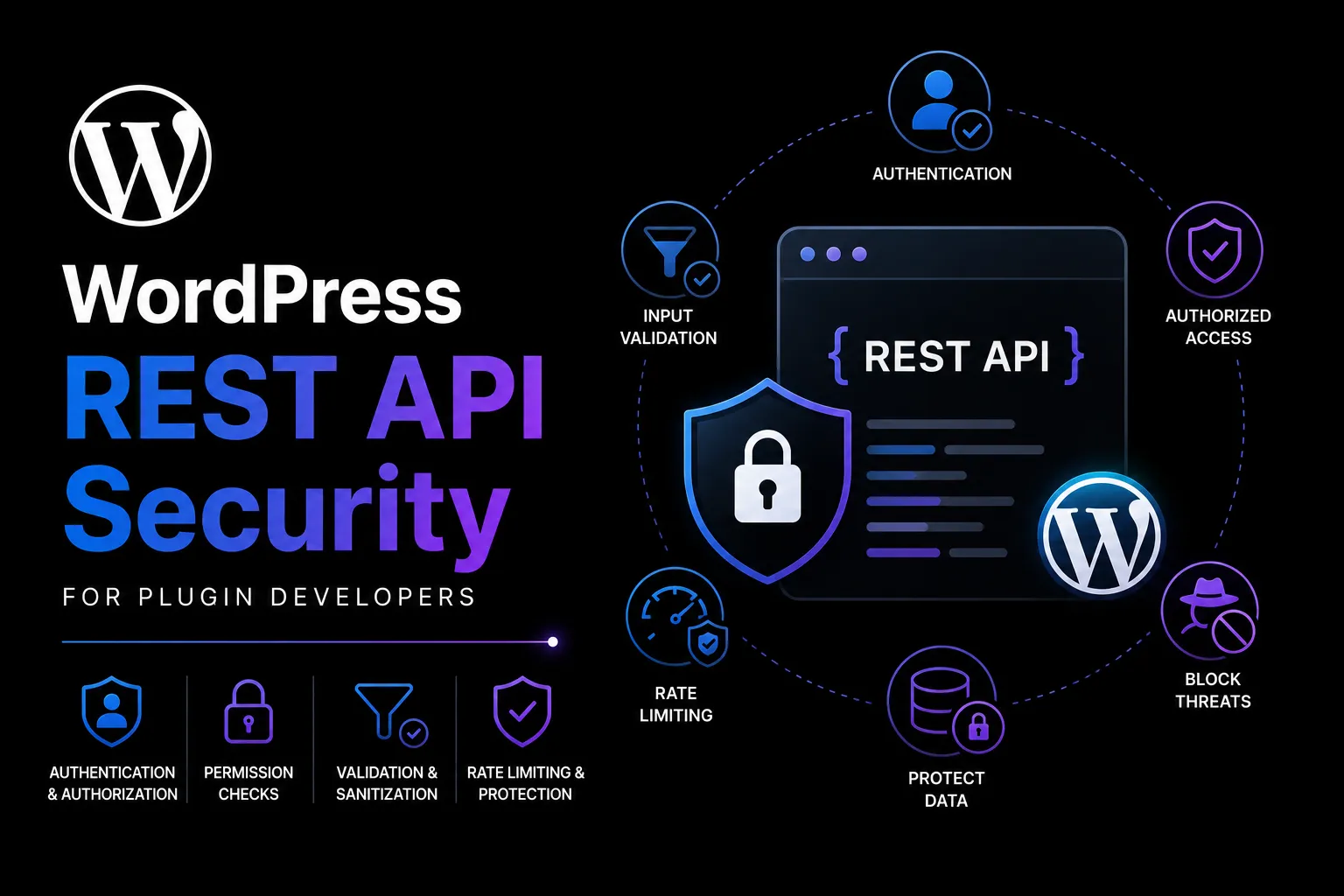
Security pillar guide
A practical control matrix for route permissions, cookie authentication, REST nonces, external clients, webhooks, input handling, abuse resistance, and release testing.
Key takeaways
- Authentication, authorization, and CSRF protection solve different problems.
- Every route needs an intentional permission_callback.
- A REST nonce is for cookie-authenticated browser requests—not external API authentication.
- Security verification requires negative, boundary, replay, and failure tests.
REST API Security & Nonce Verification Matrix
Use the printable version during discovery, review, or release sign-off.
Separate authentication, authorization, and CSRF protection
Authentication answers who is calling. Authorization answers whether that actor may perform this action on this object. A WordPress nonce helps protect an authenticated browser workflow from cross-site request forgery. These controls address different threats and must not be substituted for one another.
| Control | Question | Typical WordPress mechanism |
|---|---|---|
| Authentication | Who is making the request? | Cookie session, Application Password, OAuth or integration credential |
| Authorization | May this actor perform this action? | permission_callback, capability and object checks |
| CSRF protection | Did a trusted browser context initiate it? | REST nonce for cookie-authenticated requests |
| Validation | Is the requested value allowed? | Route args schema and validate_callback |
Give every route an explicit permission policy
Every route should declare a permission_callback. Public routes can deliberately return true, but that is a design decision—not a placeholder. Private routes should use the narrowest capability and, when records have ownership, verify access to the specific object.
- Split routes when methods need different permissions
- Do not use is_user_logged_in() as sufficient authorization for privileged actions
- Return WP_Error with an appropriate status for denied access
- Minimise response fields before serialisation
- Document the route owner, data classification, and callers
Use REST nonces only where they fit
Cookie-authenticated WordPress REST requests commonly send a nonce created for the wp_rest action in the X-WP-Nonce header. WordPress checks this authentication context. Nonces expire and are not one-time secrets, so they do not authenticate mobile apps, external services, or webhooks.
| Scenario | Nonce decision | Other required control |
|---|---|---|
| wp-admin JavaScript changes settings | Use REST nonce | Cookie authentication + capability + validation |
| Logged-in browser reads private data | Use for cookie REST auth | Capability and object access |
| Public read-only route | No nonce | Explicit public permission and data minimisation |
| External client | No REST nonce | Application Password/OAuth/supported auth |
| Inbound webhook | No REST nonce | Signature, timestamp, account/event checks, replay defence |
Validate, sanitize, prepare, and escape by context
Validation rejects values that do not meet business rules. Sanitization normalises accepted input. Prepared queries keep untrusted values separate from SQL. Escaping occurs at output and must match the destination: HTML, attribute, URL, JavaScript, or another context.
- Define types, required fields, enums, ranges, and maximum lengths in route args
- Use allowlists for statuses, sorts, and filter keys
- Reject unbounded page sizes and expensive arbitrary queries
- Never return database rows, user objects, secrets, stack traces, or private metadata wholesale
- Keep diagnostic detail in protected logs, not API errors
Verify webhooks as server-to-server security boundaries
HTTPS protects transport but does not prove who created a webhook. Verify the provider signature over the exact raw body, compare signatures safely, validate the timestamp, reject replayed event IDs, confirm the account and environment, and make processing idempotent.
Acknowledge quickly and queue slow work. Separate test and production secrets, record credential ownership, support rotation, and never log full authorization headers or signed sensitive payloads.
Design for valid-but-abusive traffic
Authenticated users and correctly signed integrations can still exhaust resources. Apply payload and pagination ceilings, rate limits appropriate to the caller, query allowlists, timeouts, bounded retries, and quotas. Expensive exports, imports, and synchronisation should use asynchronous jobs with progress and cancellation controls.
| Risk | Control |
|---|---|
| Enumeration | Generic errors, authorization before existence detail, monitoring |
| Oversized requests | Body, file, page, and batch limits |
| Duplicate writes | Idempotency keys and transactional guards |
| Expensive queries | Allowlisted filters, indexed access, caching |
| Sensitive logging | Redaction, access control, limited retention |
Prove security with negative tests
The happy path does not demonstrate security. Test missing, invalid, expired, revoked, and wrong-environment credentials. Test lower roles, wrong owners, deleted objects, changed capabilities, malformed input, unknown enums, oversized bodies, deep pagination, duplicate events, dependency timeouts, and repeated requests.
- Record expected status and error code for every negative case
- Review generated schemas and embedded fields for accidental exposure
- Test behind the actual CDN, proxy, and authentication configuration
- Define audit events, alerts, retention, and incident ownership
- Re-run the matrix when WordPress, PHP, infrastructure, or authentication changes
Frequently asked questions
Do WordPress REST API routes always need a nonce?
No. Cookie-authenticated browser requests use the REST nonce context. Public routes, Application Password clients, OAuth-style clients, and signed webhooks use controls appropriate to their authentication model.
Is a nonce enough to secure an admin REST action?
No. The route must also authenticate the user and authorize the exact action, usually with a capability and sometimes an object-ownership check. Validate input and minimise output as well.
Should public routes use __return_true?
Only when the data and operation are intentionally public. Public permission does not remove the need for data minimisation, pagination ceilings, validation, caching, and abuse controls.
How should WordPress webhooks be verified?
Verify the provider signature over the required raw body, validate timestamp and event ownership, reject replayed IDs, separate environments, and process idempotently.
Need an accountable engineering partner?

Post a Comment