
WordPress.org Plugin Submission Checklist: Before You Send the ZIP

A plugin can work correctly on a development site and still be unready for WordPress.org review. The directory evaluates the submitted code and its behavior against detailed guidelines, licensing requirements, security expectations, and repository rules.
A clean submission reduces review questions and makes the first public release easier to maintain. The checklist below should be run against the exact ZIP you intend to submit.
Verify identity and licensing
Check the plugin header, slug, text domain, version, minimum WordPress and PHP requirements, license, and author information. Bundled libraries, fonts, images, and other assets must have compatible licenses and attribution where required.
Review security boundaries
Inspect capabilities, nonces, REST and AJAX authorization, input validation, sanitization, output escaping, file operations, uploads, and SQL. Remove development credentials, debug output, and secrets.
Prepare the readme for users
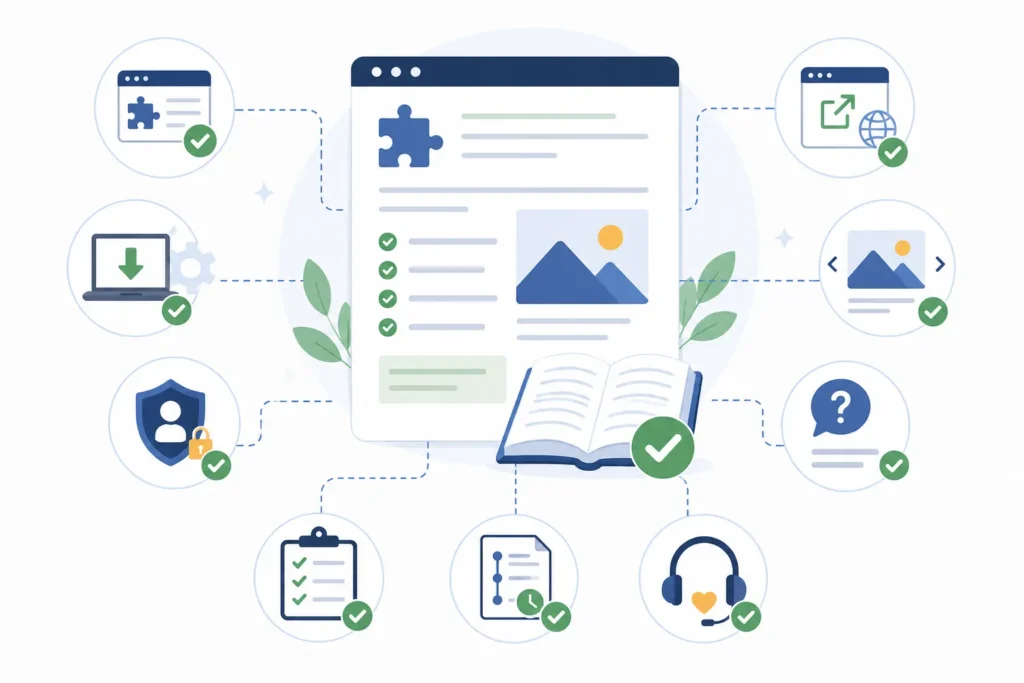
The readme should explain what the plugin does, requirements, installation, configuration, privacy behavior, external services, screenshots, FAQ, and changelog. Claims should be specific and verifiable rather than promotional.
- Clear short and long descriptions
- Accurate installation steps
- External service disclosure
- Useful screenshots and captions
- Current changelog
- Support and privacy information
Build a clean distribution ZIP
Exclude source maps, local dependencies, test fixtures, private notes, build caches, and operating-system files unless required at runtime. Install the ZIP on a clean WordPress environment and test activation, deactivation, uninstall, and upgrades.
Plan the first maintenance cycle
Directory approval is the beginning of product ownership. Prepare support triage, update testing, versioning, compatibility checks, and a security contact. Our maintenance checklist covers the work after release.
Run automated and manual checks
Use PHP syntax checks, coding standards, static analysis, unit tests, and integration tests where appropriate. Then install and operate the packaged ZIP manually. Automated checks catch repeatable classes of errors, while manual tests reveal packaging, onboarding, permissions, and user-interface problems.
Review third-party services carefully
If the plugin sends data to an external service, document what is sent, when, why, and under which terms. Provide configuration and consent appropriate to the use case. Confirm network failures do not break unrelated administration or frontend requests.
Respond to review as engineering feedback
Answer reviewer questions directly, update the code and readme together, and resubmit the exact corrected package. Avoid superficial renaming intended to bypass a concern. Preserve the review changes in version control so a later build does not reintroduce the issue.
Finalize the Plugin Package Before Submission
1. Perform a final pre-submission review
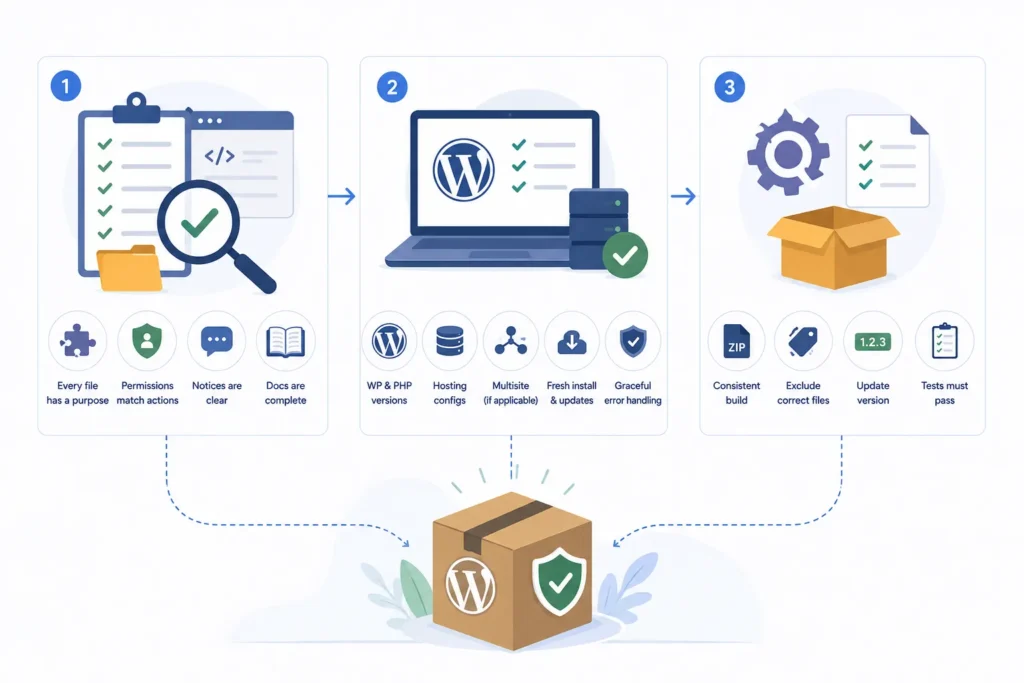
Before sending the ZIP, review the submission from the perspective of both the WordPress.org review team and the site owner who will install it. Every file should serve a clear purpose, every permission check should match the requested action, and every user-facing claim should reflect the plugin’s actual functionality. This final review can uncover missing assets, incorrect file paths, unclear notices, and incomplete documentation.
2. Test across supported environments
Test the packaged plugin with the WordPress and PHP versions listed in its requirements. Check common hosting configurations, multisite compatibility when applicable, fresh installations, and version upgrades. Confirm that unavailable APIs, missing PHP extensions, or restricted file permissions are handled gracefully without causing fatal errors or blocking access to the WordPress dashboard.
3. Create a repeatable release process
Document how the production ZIP is generated, which files must be excluded, how version numbers are updated, and which tests must pass before packaging. A consistent release workflow reduces differences between the reviewed code and future updates, helping your team publish reliable releases and respond more quickly to security or compatibility issues.
Correct placement
Respond to review as engineering feedback
[Existing paragraph]
Perform a final pre-submission review
[New paragraph 1]
Test across supported environments
[New paragraph 2]
Create a repeatable release process
[New paragraph 3]
Submit Your WordPress Plugin with Confidence
Contact WPStack for a complete pre-submission review covering WordPress.org guidelines, security checks, licensing, readme quality, external-service disclosures, compatibility testing, and distribution ZIP preparation.
Our custom WordPress plugin development and review services help businesses resolve submission issues, improve code quality, create repeatable release workflows, and prepare clean, production-ready packages for WordPress.org.
Reduce review delays and launch your plugin with a package built for approval and long-term maintenance.
Frequently asked questions
Timing varies with queue and review findings. Submit a complete, tested package and respond clearly to reviewer feedback.
Yes, but the service, data sent, terms, and privacy implications must be disclosed and the behavior must follow directory guidelines.
Include only runtime files users need. Keep development dependencies and build sources in the project repository when they are not required.
No. Plugins must continue following guidelines and addressing security or policy issues.

Aditya Bhimrajka is a technology entrepreneur, product strategist, and software solutions expert with over a decade of experience building scalable web and mobile applications. His expertise spans SaaS, AI, cloud technologies, custom software development, and digital transformation. Passionate about solving real-world business challenges through technology, Aditya shares practical insights on WordPress, plugins, software development, startup growth, product strategy, and emerging technologies. At WPStack, he writes actionable, experience-driven content that helps developers, businesses, and website owners build secure, high-performing, and future-ready WordPress solutions.
Post a Comment