
AI ALT Genius
Generate useful image alt text faster and improve media accessibility across your WordPress library.
About the plugin
AI ALT Genius helps WordPress teams write useful image alt text without turning accessibility work into a repetitive media-library chore. It provides an assisted drafting workflow for images already in WordPress, while keeping the generated text editable so a human can judge the image in its real page context.
The plugin is designed for content teams, agencies, store managers, and site owners working through large media collections. It improves consistency and speeds up first drafts, but it does not pretend that every image needs a description: decorative images can still use an empty alt attribute, while linked or functional images need text that explains their purpose.
Use AI ALT Genius as a review tool rather than an autopilot. Generate a starting point, check it against the surrounding content, remove unnecessary phrases, and save only the wording that helps a screen-reader user understand why the image is there.
What it helps you do
Accessibility-focused drafting
- Creates practical first drafts for image alt text inside WordPress.
- Keeps every suggestion editable before it is saved.
- Supports systematic review across large media libraries.
- Helps content teams use more consistent language without locking them into generated copy.
Built for human review
- Leaves the final accessibility decision with the editor.
- Supports empty alt attributes for decorative images.
- Encourages purpose-based text for linked and functional images.
- Fits into existing WordPress media workflows rather than creating a separate content system.
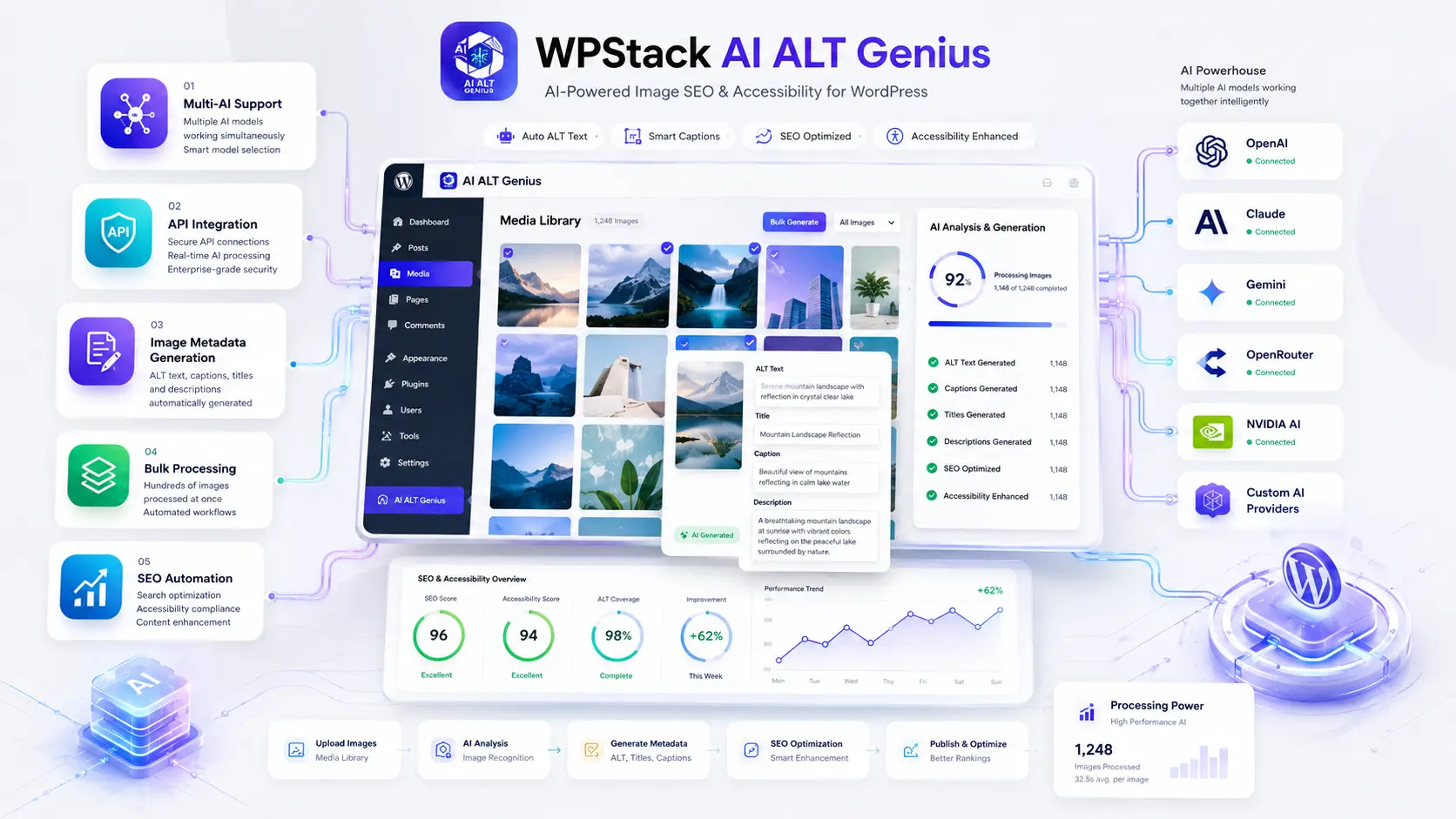
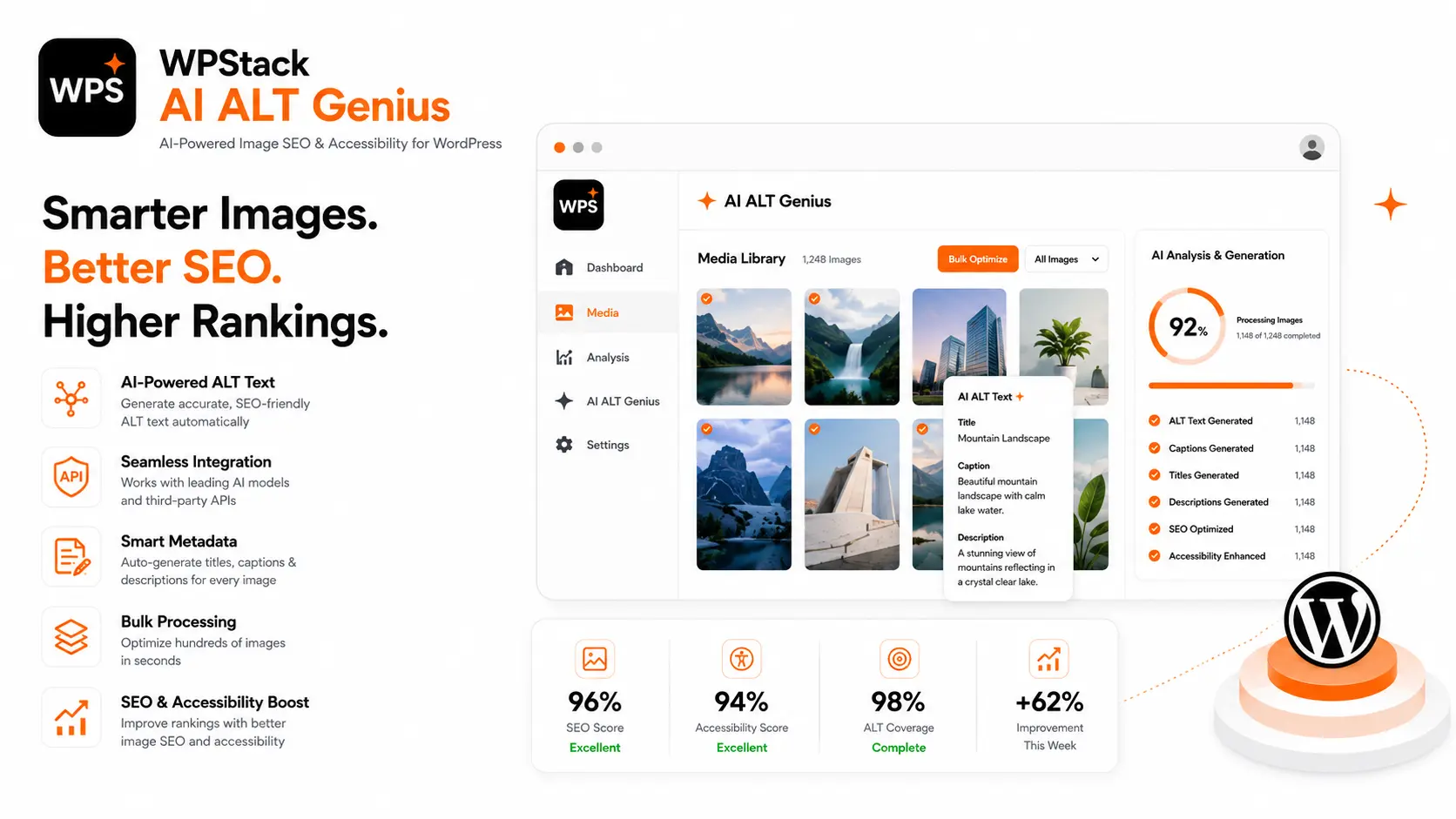
Plugin screenshots
Installation
- Download the plugin ZIP.
- In WordPress, open Plugins > Add New Plugin > Upload Plugin.
- Select the ZIP, install it, and activate the plugin.
- Open the Media Library and use AI ALT Genius from the available image workflow.
Changelog
1.0.0
- Initial public release.
- Added assisted alt-text generation for WordPress media.
- Added an editable review step before saving generated text.
Support and usage notes
Related reading: How to generate better WordPress image alt text with AI and what makes a WordPress plugin production-ready.
AI ALT Genius FAQs
Does AI ALT Genius publish generated alt text automatically?
No. It creates editable drafts so an editor can judge each image in its actual page context before saving the text.
Should every WordPress image have descriptive alt text?
No. Decorative images normally need an empty alt attribute, while linked or functional images need text that communicates their purpose.
Can the plugin help with an existing media library?
Yes. It is designed to support systematic alt-text review across images already stored in the WordPress media library.
Does generated alt text guarantee accessibility compliance?
No. Generated wording is a starting point. A person must review accuracy, purpose, surrounding content, and whether an image should be described at all.