
Mediachecker
Audit WordPress media safely with seven-signal usage detection, duplicate discovery, protected batch cleanup, automatic backups, and optional AI media tools.
Email me important plugin updates
Optional. Get security notices and meaningful release updates for Mediachecker. The download does not require an email or account.
About the plugin
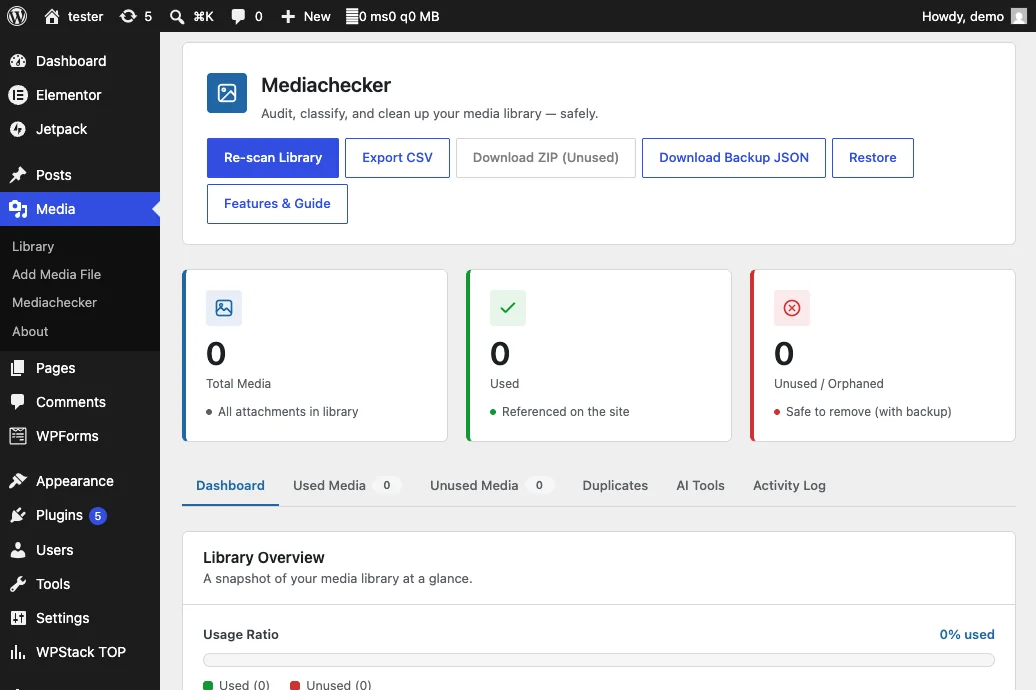
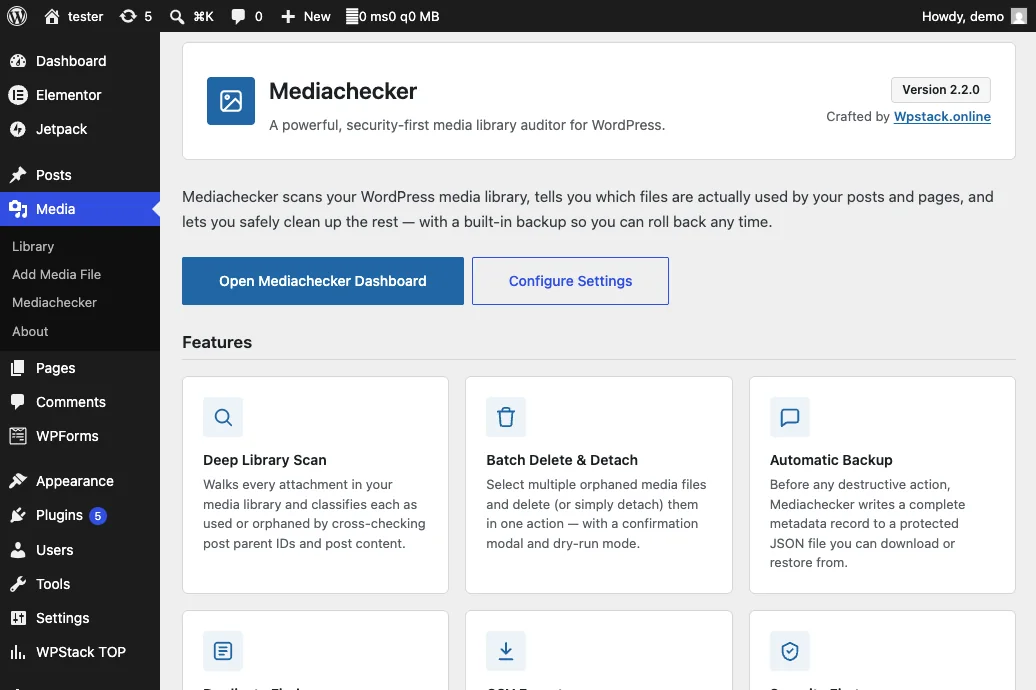
Mediachecker is a security-first WordPress media library auditor for administrators who need to identify unused attachments, reclaim storage, and improve media quality without risking accidental data loss. It checks every attachment against seven independent reference signals before classifying it as used or orphaned.
Cleanup actions are re-verified at deletion time, recent uploads are protected by default, and automatic metadata or ZIP backups make changes recoverable. Mediachecker also detects exact and visual duplicates, exports audit results, schedules recurring scans, and provides optional AI-assisted alt text, categorization, and cleanup recommendations.
What it helps you do
Seven-signal media reference detection
- Checks attachment parent relationships through
post_parent. - Finds featured images, WooCommerce galleries, ACF values, and other attachment IDs stored in post meta.
- Parses WordPress gallery shortcodes for referenced media IDs.
- Reads Gutenberg image, gallery, and related block JSON.
- Matches full URLs, filenames, and generated size variants in content, widgets, options, and files.
- Scans theme templates, template parts, included PHP files, and stylesheets.
- Inspects serialized sidebar-widget configurations.
- Protects recent uploads through a configurable safety window that defaults to 30 days.
Safe unused-media cleanup
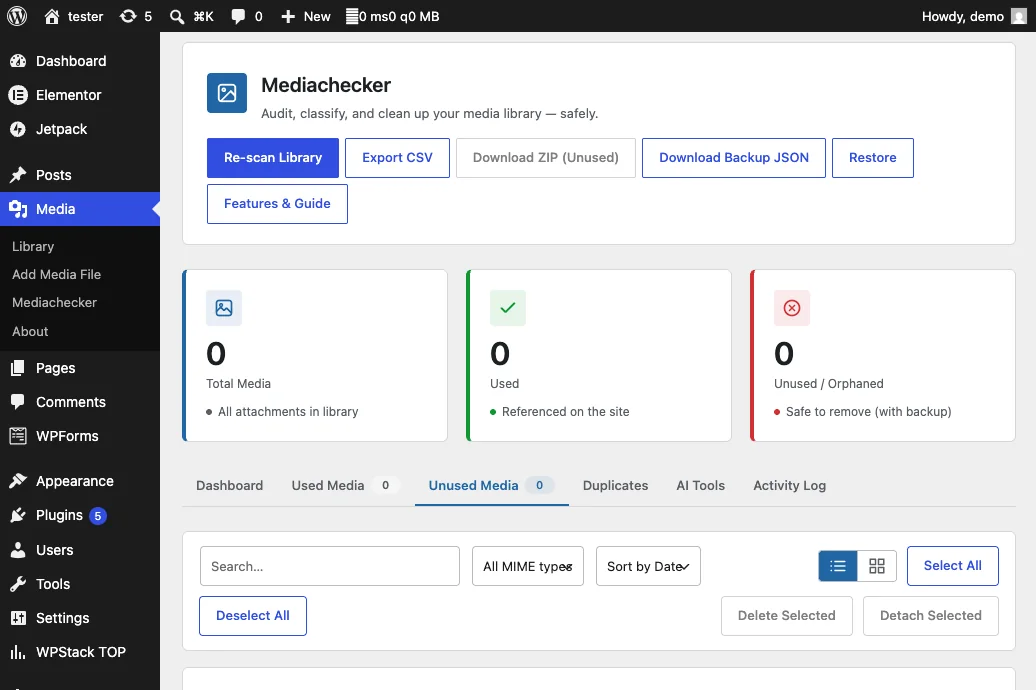
- Filters, searches, and selects orphaned media for batch actions.
- Supports deletion or detachment without forcing a single cleanup strategy.
- Re-verifies references immediately before deleting anything.
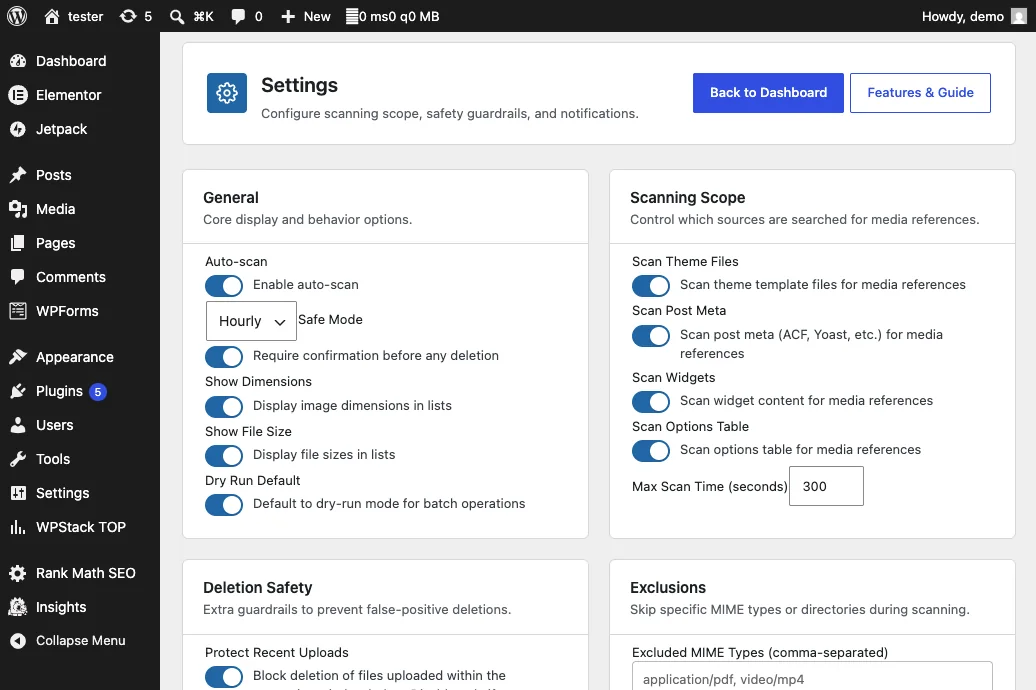
- Includes dry-run mode so administrators can preview a cleanup.
- Requires explicit confirmation and an opt-in force flag to bypass recent-upload protection.
- Displays file size and image dimensions to support informed decisions.
Automatic backup and restoration
- Exports attachment ID, title, filename, URL, MIME type, parent, date, metadata, and backup timestamp to JSON.
- Can package the original media files with metadata in a ZIP archive.
- Protects backup storage with access-denial and directory-silencing files.
- Restores attachment records, reconnects files, and regenerates WordPress attachment metadata.
Duplicate discovery
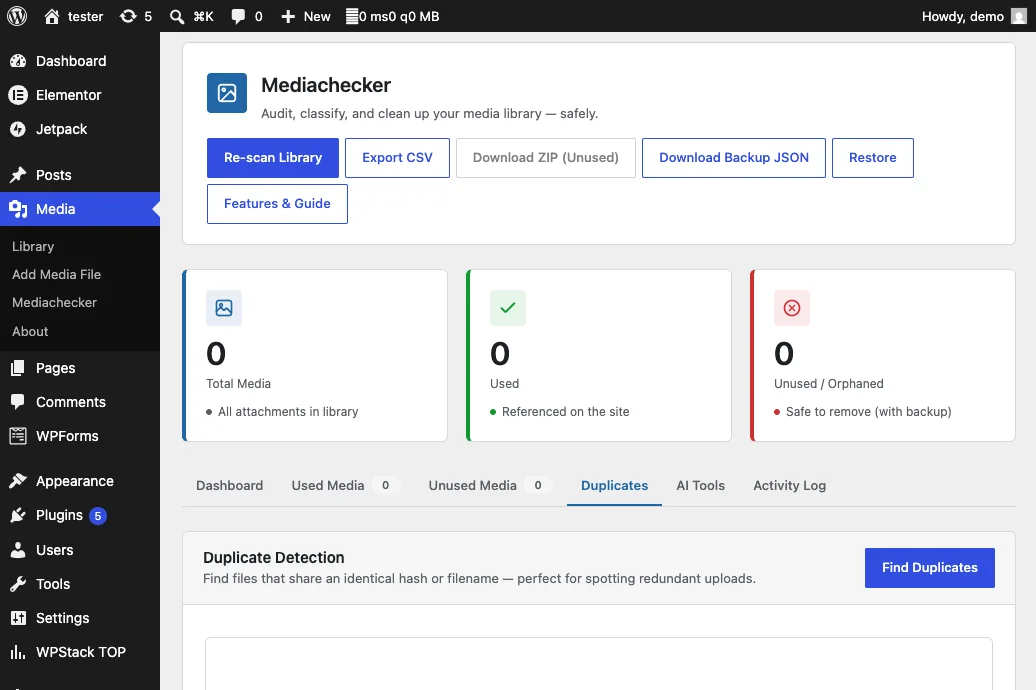
- Finds filename collisions when the same filename has been uploaded more than once.
- Uses MD5 content hashing to identify byte-identical files under different names.
- Uses perceptual hashing to detect visually similar images entirely on the server.
- Caches duplicate results to avoid unnecessary repeated work.
Optional AI media tools
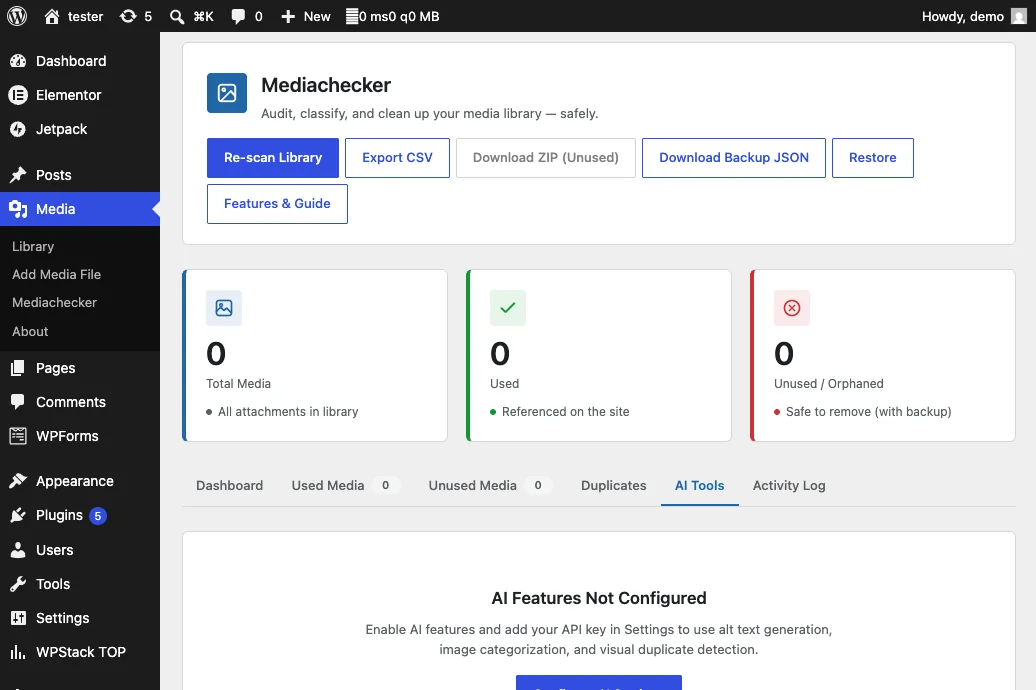
- Generates descriptive, accessibility-focused image alt text through an OpenAI-compatible vision API.
- Categorizes media as photos, screenshots, logos, illustrations, icons, documents, graphics, infographics, charts, textures, or other types.
- Produces cleanup confidence scores with plain-language reasoning.
- Works with OpenAI, OpenRouter, or a compatible local vision endpoint.
- Keeps visual duplicate detection available without any API key.
Reporting and continuous monitoring
- Exports scan results as CSV with attachment IDs, titles, paths, URLs, dates, sizes, and MIME types.
- Filters exports by used or unused status.
- Runs scheduled scans hourly, daily, or weekly through WP-Cron.
- Sends email notifications when orphan counts cross a configured threshold.
- Offers exclusions for MIME types and upload directories.
Security and accountability
- Requires WordPress nonces for every AJAX action.
- Restricts scanning and cleanup to users with administrator capabilities.
- Sanitizes IDs, text fields, booleans, API settings, and other inputs.
- Escapes rendered content throughout the administration interface.
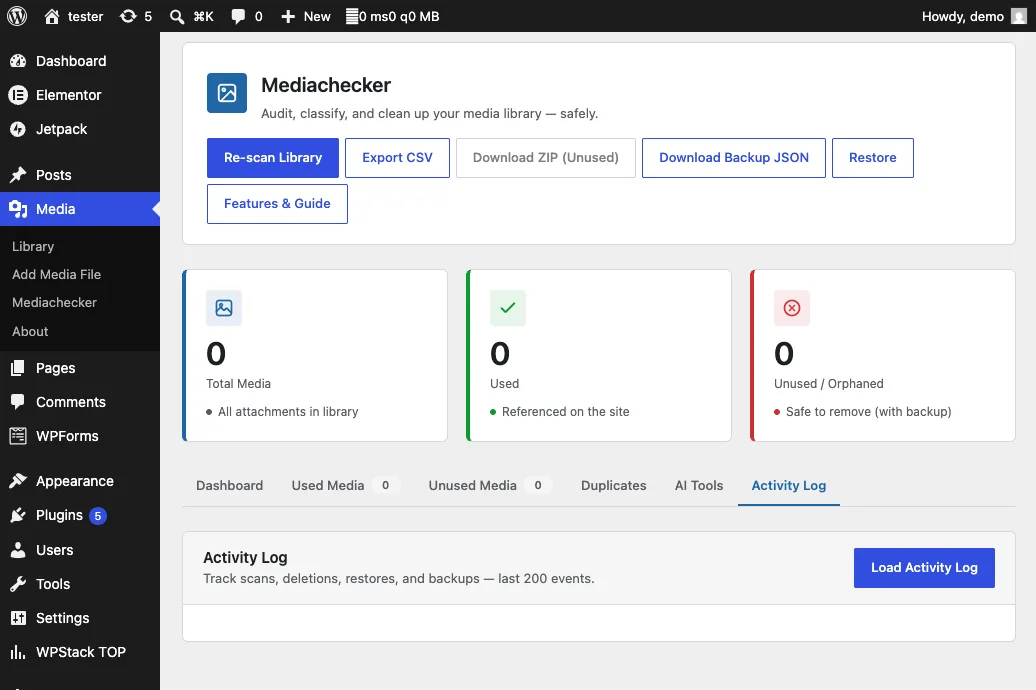
- Records every deletion, detachment, and restoration with its timestamp, user, action, and details.
- Caps the activity log to prevent unbounded option growth.
Plugin screenshots
Installation
- Download mediachecker-2.2.0.zip.
- In WordPress, open Plugins > Add New Plugin > Upload Plugin.
- Select the ZIP, install it, and activate Mediachecker.
- Open Media > Mediachecker. The first scan runs automatically.
- Review the Unused Media tab and use dry-run mode before deleting anything.
- Keep the recent-upload protection enabled unless there is a specific reason to override it.
- Configure scheduled scans, notifications, exclusions, and optional AI tools from Settings.
Changelog
2.2.0
- Added AI alt-text generation through an OpenAI-compatible vision API.
- Added image categorization and cleanup-confidence recommendations.
- Added server-side visual duplicate detection using perceptual hashing.
- Added the AI Tools dashboard tab and provider settings.
- Corrected Mediachecker settings-page asset loading.
- Corrected AI feature styles that were nested inside a responsive media query.
- Replaced decorative gradients and glass effects with a cleaner WordPress-native interface.
- Reduced CSS size by removing unnecessary visual effects.
2.1.0
- Added seven-signal reference detection, recent-upload protection, and deletion-time re-verification.
- Added JSON and ZIP backups, duplicate detection, CSV exports, activity logging, scheduled scans, and email notifications.
- Added the About guide, plugin-row links, activation guidance, caching, and security hardening.
2.0.0
- Initial release with media-library scanning and unused-attachment detection.
Support and usage notes
Related reading: How to find and remove unused WordPress media safely and the AI alt-text workflow.
Mediachecker FAQs
How does Mediachecker decide whether an image is unused?
Mediachecker combines seven reference signals, including post relationships, metadata, shortcodes, block content, URLs and filenames, theme files, and widget configurations.
Should I back up WordPress before deleting media?
Yes. No automated scan can understand every custom integration. Review the findings, keep a current backup, and test cleanup on a staging site before changing production media.
Does Mediachecker protect recent uploads?
Yes. It includes a configurable safety window that protects recent uploads; the documented default is 30 days.
Can Mediachecker find duplicate files as well as unused media?
Yes. The plugin includes duplicate discovery alongside usage auditing and protected batch-cleanup workflows.